

# Keyboard Polling Rate for Typing Speed: Does 1000Hz Help?
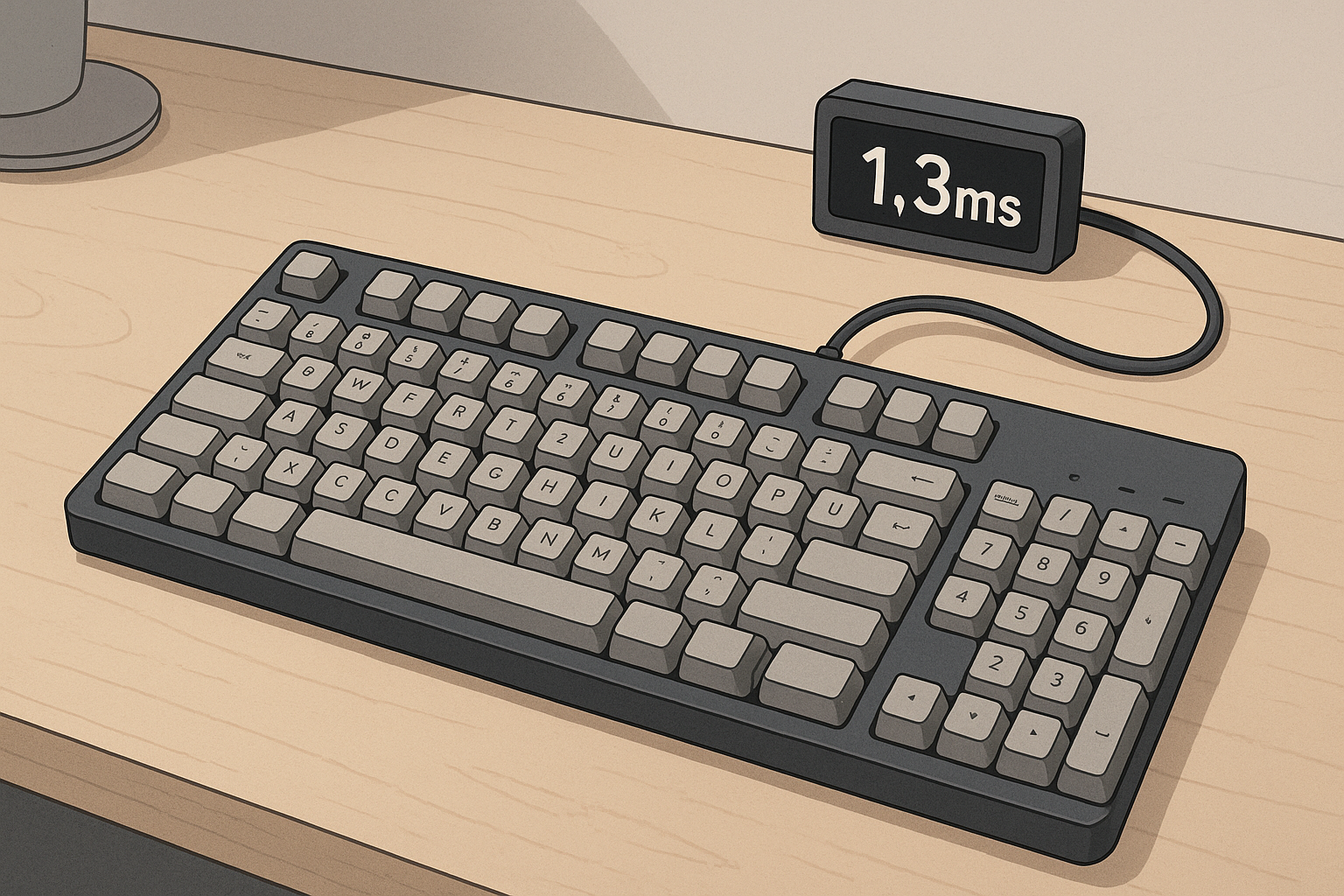
Keyboard polling rate is how often your keyboard reports key states to your computer. At 125Hz, reports happen every 8 ms. At 1000Hz, reports happen every 1 ms. For typing, higher polling rate can reduce input delay, but WPM gains are usually small unless your full setup is already optimized and your typing is stable.
Most people ask a simple question: will 1000Hz make me type faster on a typing test? The practical answer is yes for some setups, but the size of the gain matters more than the existence of the gain. A one to three WPM improvement can be meaningful for competitive users. It can also vanish if accuracy drops or fatigue rises.
# What polling rate actually changes
Polling rate changes report interval. It does not change your finger mechanics, key travel distance, or typing habits by itself.
- 125Hz sends updates every 8 ms.
- 250Hz sends updates every 4 ms.
- 500Hz sends updates every 2 ms.
- 1000Hz sends updates every 1 ms.
That interval joins a longer latency chain:
- Your finger moves and actuates the switch.
- Keyboard firmware scans the matrix.
- The USB report is sent at the next polling window.
- The operating system processes the event.
- The browser or app renders the result.
Polling rate only affects one section of that chain. If your browser is busy, your CPU is throttling, or your display refresh timing is inconsistent, the benefit from faster polling can shrink.
For background on USB HID behavior and event timing, see:
- USB Implementers Forum HID resources: https://www.usb.org/hid (opens new window)
- Microsoft keyboard input architecture overview: https://learn.microsoft.com/en-us/windows/win32/inputdev/about-keyboard-input (opens new window)
- RTINGS latency methodology notes: https://www.rtings.com/keyboard/tests/latency (opens new window)
# Does higher polling rate increase WPM in real use
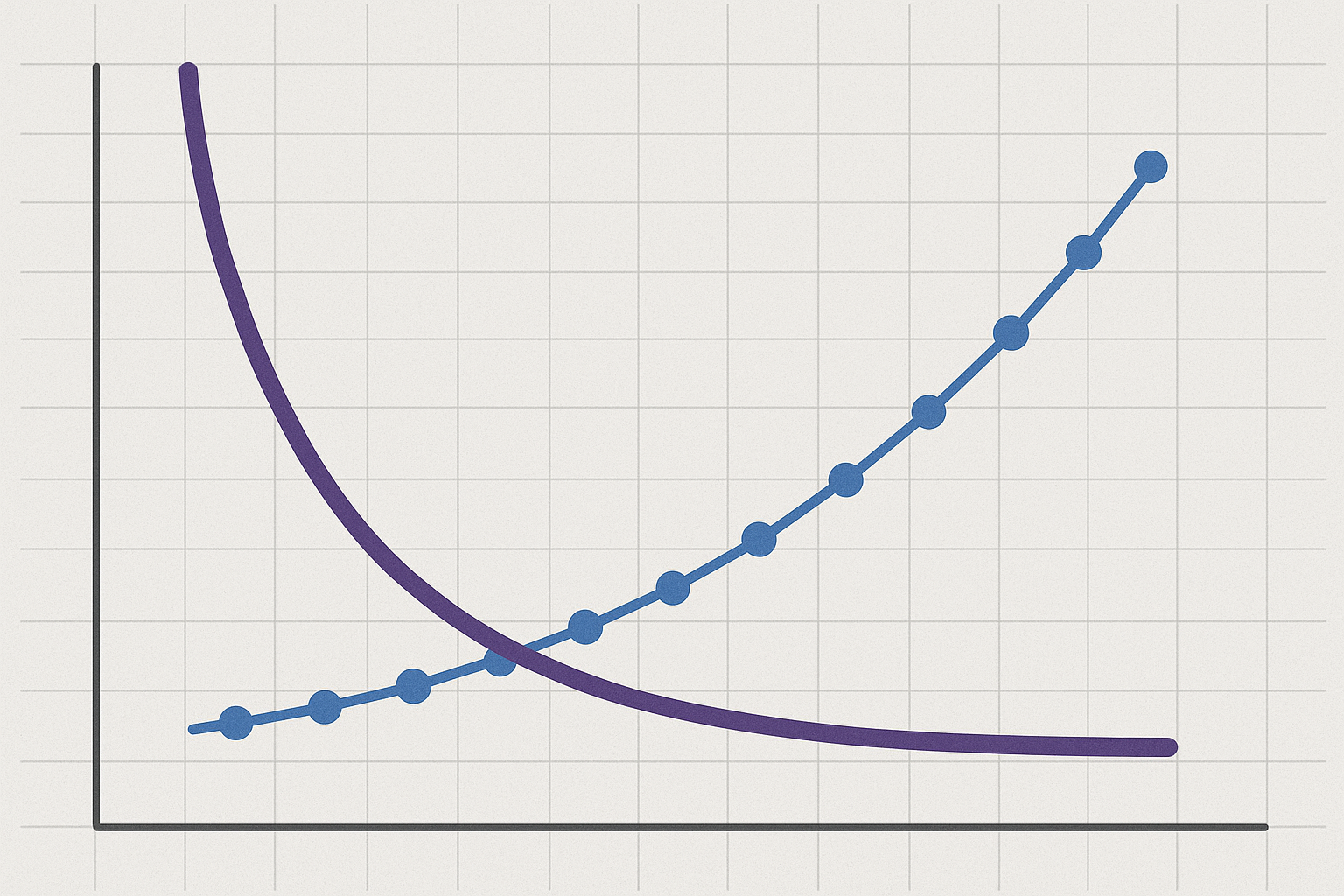
Higher polling rate can improve measured responsiveness. It does not automatically improve typing technique. The typical outcome is lower delay variance, then modest WPM change.
In practical tests, three patterns appear often:
- Beginners usually see no clear WPM gain, because technique limits dominate.
- Intermediate typists sometimes gain consistency, especially in short tests.
- Advanced typists can gain small but repeatable speed and rhythm improvements.
The key variable is stability. If your baseline accuracy sits under 95 percent, faster report timing usually exposes mistakes rather than fixing them. If your baseline accuracy stays around 97 to 99 percent, reduced delay can help you hold rhythm on dense passages.
# Decision table: when 1000Hz is worth testing
Use this table before changing settings. It keeps expectations realistic and helps you avoid placebo tuning.
| Scenario | Baseline accuracy | Device path | Likely benefit from 1000Hz | Action |
|---|---|---|---|---|
| New typist building fundamentals | 90 to 95% | Any | Low | Keep default polling rate, fix technique first |
| Intermediate typist on stable wired board | 96 to 98% | USB wired | Medium | Test 500Hz and 1000Hz for one week each |
| Advanced typist chasing leaderboard consistency | 98 to 99% | USB wired + optimized OS | Medium to high | Use 1000Hz and track variance, not only peak WPM |
| Office laptop with power saving defaults | 95 to 98% | Docked mixed peripherals | Low to medium | Tune power and background load first |
| Bluetooth keyboard on mobile workflow | 95 to 99% | Bluetooth | Low | Polling rate setting often irrelevant in practice |
This table reflects a simple priority order. Control technique first. Control measurement quality second. Tune hardware timing last.
# Common misconceptions about polling rate
# Misconception 1: 1000Hz means eight times faster typing
The report interval moves from 8 ms to 1 ms, but typing speed depends on many layers. You cannot map interval reduction directly to WPM multipliers.
# Misconception 2: Polling rate and switch type do the same job
Switch type changes force curve and tactile feedback. Polling rate changes report timing. They interact, but they solve different bottlenecks.
If you are still choosing keyboard hardware, compare this with:
# Misconception 3: Any gain you feel is guaranteed to persist
Short sessions can overstate improvement. Fatigue, novelty, and focus spikes can create temporary gains. Track at least one week per setting.
# Misconception 4: Polling rate matters more than posture and error correction
Most typists gain more from stable finger placement, reduced overreach, and lower error loops than from latency tuning alone. If posture or wrist angle is unstable, start there:
# Practical test protocol you can run this week
A useful test removes guesswork. Use one keyboard, one desk setup, one browser, and one test duration.
# Step 1: Lock the environment
- Use the same keyboard and USB port for all sessions.
- Disable major background tasks during test windows.
- Keep the same typing test length each run.
- Use the same time range each day when possible.
# Step 2: Capture baseline at 125Hz or your current setting
Run at least 10 tests over two days. Record:
- WPM
- Accuracy
- Corrected errors if the platform reports them
- Subjective rhythm notes in one short line
# Step 3: Move to 500Hz first
Run the same 10 test set. Many users get most of the benefit at 500Hz with excellent stability. This step gives a useful midpoint.
# Step 4: Move to 1000Hz
Repeat exactly. Do not change keyboard angle, keycaps, or switch settings during this phase.
# Step 5: Compare medians, not only peak scores
Use median WPM and median accuracy. Peak values hide inconsistency. If median WPM rises while median accuracy holds, the setting is useful.
# Step 6: Keep only settings that survive fatigue
Run one longer session after day five. If wrists tighten or error recovery worsens, the faster setting may not suit your typing style.
# Checklist: should you tune polling rate now
- [ ] You type on a wired USB keyboard most of the time.
- [ ] Your keyboard software or firmware supports stable 500Hz and 1000Hz modes.
- [ ] Your recent accuracy stays at 97 percent or higher.
- [ ] You can run at least 30 total test attempts across settings.
- [ ] You are already using a comfortable posture and consistent hand position.
- [ ] You can evaluate median results, not only personal best screenshots.
If you check four or more items, polling rate tuning is worth the time.
# Implementation notes by operating system
Polling rate behavior can vary by firmware utilities and host policies.
# Windows
Most gaming or enthusiast keyboards expose polling rate in vendor tools. After changing settings, restart the tool and confirm profile persistence. Watch for power plans that reduce USB performance in battery modes.
# macOS
Some boards apply polling rate in onboard memory. Others require vendor software that may have limited macOS support. Verify behavior with repeated tests instead of assuming profile sync worked.
# Linux
Many boards run polling configuration in hardware. Some require user space tools. Keep kernel and USB stack stable during test windows to avoid noisy comparisons.
For low level USB and HID references:
- Linux HID subsystem docs: https://www.kernel.org/doc/html/latest/hid/index.html (opens new window)
- USB HID usage tables: https://usb.org/document-library/hid-usage-tables (opens new window)
# Trade offs you should expect
Higher polling rate can increase USB event frequency. On modern desktops, the CPU cost is usually small. On older laptops or constrained systems, the extra event rate can still add minor overhead.
Potential trade offs:
- Slightly higher power draw on wireless capable boards that emulate high report rates.
- More noticeable instability on poor cables or noisy USB hubs.
- Harder troubleshooting when multiple vendor utilities compete for profile control.
These issues are manageable. The point is to treat polling rate as one optimization layer, not a universal fix.
# How this fits into a full typing improvement plan
If your goal is daily WPM growth, combine timing optimization with technique drills.
A balanced weekly stack:
- Two sessions focused on accuracy and clean keypresses.
- Two sessions focused on speed intervals.
- One session for hardware and environment checks, including polling rate.
- One longer endurance session for fatigue handling.
For a role based target, pair this with:
- Typing Speed for Job Applications: Real WPM Targets by Role
- Typing Muscle Memory: Train Your Fingers
This structure gives steady progress while reducing false conclusions from isolated benchmark runs.
# Conclusion
Keyboard polling rate affects report timing, and faster settings can improve responsiveness. For typing speed, the effect is usually incremental, then useful when your accuracy and test discipline are already strong. Treat 500Hz and 1000Hz as testable options, measure medians over enough sessions, and keep the setting that improves consistency without increasing strain. That process gives a reliable improvement path and avoids hardware mythology.