

# Keyboard N-Key Rollover for Typing Speed: What Actually Matters
N-key rollover (NKRO) means your keyboard can register many simultaneous key presses without dropping inputs. For typing speed, this matters most during fast transitions, overlapping finger movement, and correction-heavy bursts where multiple keys can be active in the same instant. The practical takeaway is simple: if your keyboard misses letters during fast typing combinations, rollover is a bottleneck. If your input is already clean and consistent, NKRO usually improves reliability more than raw WPM.
The best way to evaluate NKRO is a controlled A/B test with identical typing sessions, then compare median WPM, median accuracy, and missed-key incidents over several days.
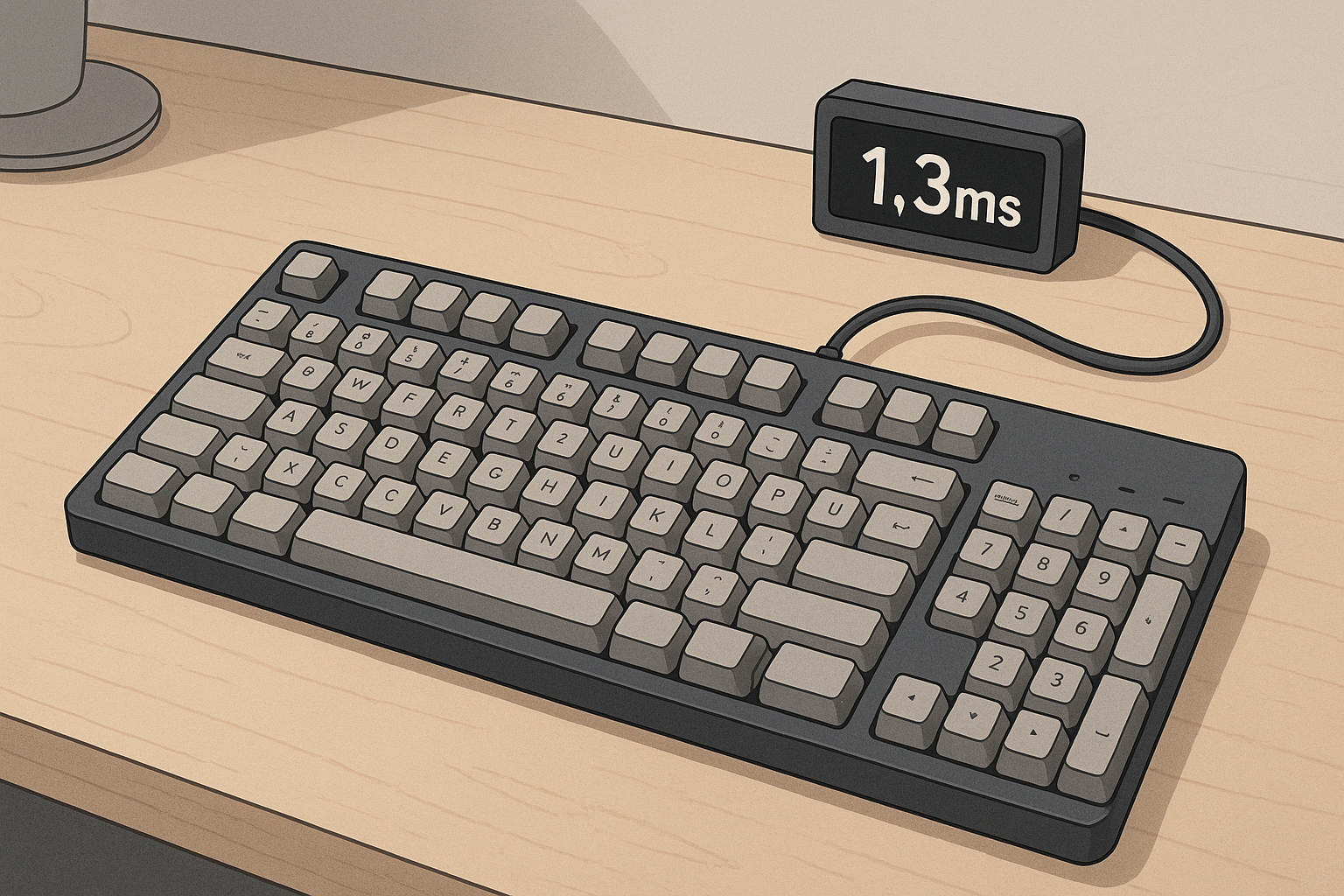
# What N-key rollover changes in real typing
Rollover determines how many keys can be reported correctly at once. In typing, you do not usually press ten keys at the exact same moment, but you do create overlapping timing windows. Fast typists often press the next key before fully releasing the previous key. That overlap is where lower rollover limits can cause dropped or misordered characters.
Three practical effects show up during typing tests and normal writing:
- Chord reliability for shortcuts and modifier combinations.
- Transition accuracy when hands move quickly across adjacent keys.
- Error recovery speed during backspace, retype, and punctuation bursts.
If rollover handling is weak, symptoms can look random. You type a known word, but one letter vanishes. You hit Shift plus symbol, but the result is wrong. These are often input registration issues, not only technique mistakes.
For hardware and protocol background:
- https://www.usb.org/hid (opens new window)
- https://learn.microsoft.com/en-us/windows/win32/inputdev/about-keyboard-input (opens new window)
- https://docs.qmk.fm/#/feature_nkro (opens new window)
# 6KRO vs NKRO: what the limit means
Many USB keyboards run in 6KRO mode by default. That usually means up to six non-modifier keys can be reported together, plus modifiers such as Shift, Ctrl, and Alt. NKRO extends this so a much larger set of keys can be tracked simultaneously.
For most office typing, 6KRO is often enough. For high speed typists, custom layouts, or frequent shortcut chains, NKRO can reduce missed inputs during edge cases.
The main point is risk control:
- 6KRO can perform perfectly in moderate speed sessions.
- 6KRO can fail during unusual overlap patterns.
- NKRO reduces those edge-case failures when firmware and host support are stable.
That is why NKRO is a consistency upgrade first, then a potential speed upgrade second.
# Decision table: should you enable NKRO now
| Scenario | Typical signs | Likely NKRO impact | Priority |
|---|---|---|---|
| Casual typing under 70 WPM | Few missed letters, low shortcut use | Low to medium | Optional |
| Fast typing 80 to 110 WPM | Occasional dropped characters in bursts | Medium | Worth testing |
| Competitive typing above 110 WPM | Overlap-heavy timing, strict accuracy goals | High | Enable and validate |
| Heavy shortcut workflows | Frequent multi-key combos in IDE/editor | High | Enable and validate |
| Wireless-only board with unstable firmware | Intermittent disconnects or profile resets | Mixed | Fix stability first |
Use this as a starting filter. Final choice still depends on measured results in your own setup.
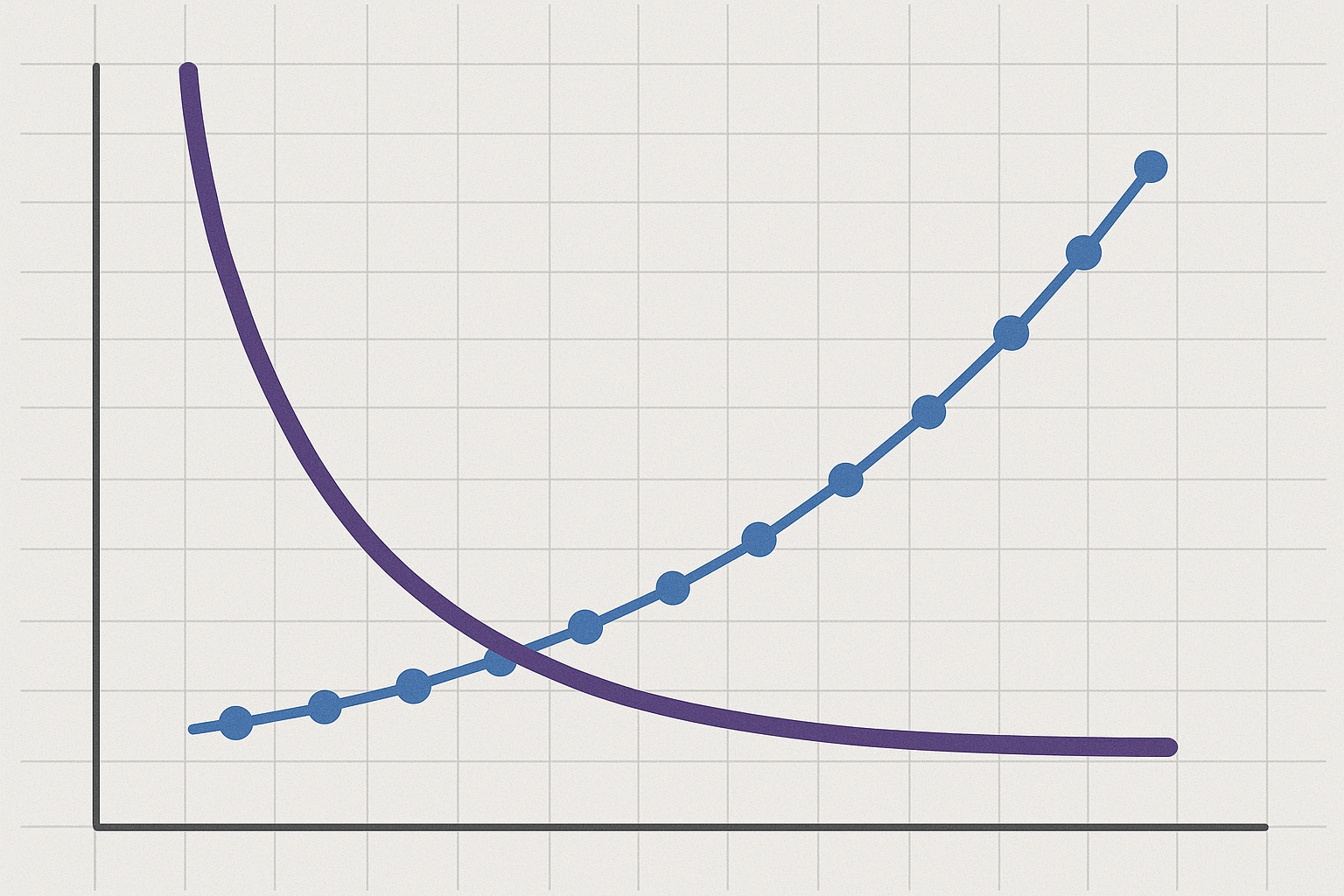
# How to test rollover without noisy results
Most rollover tests fail because people change too many variables at once. Keep the setup fixed and isolate one variable.
# Step 1: lock your environment
- Use one keyboard and one USB port.
- Keep desk angle and wrist position constant.
- Use the same browser and typing test duration.
- Disable background tasks that spike CPU usage.
# Step 2: capture baseline in your current mode
Run 10 to 15 tests over two days and log:
- WPM
- Accuracy
- Missed-key incidents you can confirm
- One short comfort note
# Step 3: enable NKRO and repeat the same schedule
Use the same session timing and the same text profile if possible. Do not change switches, keycaps, actuation settings, or polling rate during this phase.
# Step 4: compare medians and failure patterns
Peak WPM is noisy. Median WPM and median accuracy are better decision metrics. If median speed stays similar but missed-key incidents drop, NKRO is already doing useful work.
# Step 5: include one fatigue session
Run at least one longer writing block after regular work. Input issues often appear when focus drops and finger overlap rises.
# Common rollover misconceptions
# Misconception 1: NKRO automatically makes you faster
NKRO prevents input loss in overlap scenarios. It does not improve finger mechanics by itself. Technique still sets your ceiling.
# Misconception 2: missed letters always mean bad typing habits
Technique can cause errors, but hardware limits can also cause drops. If the same pattern appears under speed pressure and disappears on another keyboard, rollover handling is a strong suspect.
# Misconception 3: all keyboards labeled NKRO behave the same
Firmware quality, scan rate implementation, and host compatibility matter. Two NKRO boards can behave differently in practice.
# Misconception 4: rollover matters only for gaming
Typing includes rapid overlaps and modifier combinations too, especially in coding, editing, and command-heavy workflows.
# Firmware and OS checks before you conclude anything
Before you trust results, confirm configuration persistence.
Checklist:
- Verify NKRO remains enabled after reboot.
- Confirm profile switching does not silently revert rollover mode.
- Test on your actual daily operating system, not only a secondary machine.
- Avoid mixed tooling conflicts from multiple keyboard utilities.
For reference:
- https://docs.qmk.fm (opens new window)
- https://www.kernel.org/doc/html/latest/hid/index.html (opens new window)
- https://support.microsoft.com/windows (opens new window)
If you skip these checks, you can spend a week testing one mode while believing you are on another.
# Practical signs that rollover is your bottleneck
Look for repeatable symptoms, not one-off mistakes.
Strong indicators:
- Missing characters during fast trigrams and punctuation bursts.
- Inconsistent Shift plus symbol output at speed.
- Error spikes that appear only beyond a specific WPM threshold.
- Reliable improvement when switching to a known good NKRO board.
Weak indicators:
- General fatigue-related typos across all devices.
- Random errors with no reproducible pattern.
- Large swings caused by different text difficulty.
The goal is attribution. Fix the right bottleneck first.
# Where NKRO fits in a full typing improvement stack
Rollover tuning should sit behind fundamentals and in front of fine-grained latency tweaks.
Recommended order:
- Stabilize finger placement and posture.
- Improve accuracy discipline and correction habits.
- Validate rollover reliability under speed.
- Then tune actuation and polling settings.
Related guides:
- Typing Finger Placement: Master the Foundation
- Typing Wrist Angles: Optimizing Comfort and Speed
- Keyboard Polling Rate for Typing Speed: Does 1000Hz Help?
- Keyboard Actuation Point for Typing Speed: What to Change First
This sequence reduces confounding factors and produces cleaner gains.
# Seven-day NKRO validation plan
A short structured plan is enough for a keep or revert decision.
# Days 1 and 2: baseline mode
- Keep current rollover mode.
- Run 6 tests per day.
- Log WPM, accuracy, and missed-key incidents.
# Days 3 and 4: NKRO enabled
- Enable NKRO in firmware or board software.
- Repeat the same run count and schedule.
- Keep everything else fixed.
# Days 5 and 6: mixed workload
- One normal writing block each day.
- Two timed typing tests after the writing block.
- Note whether errors cluster around fast transitions.
# Day 7: decision session
Compare medians and incident counts.
Keep NKRO if:
- missed-key incidents are lower,
- accuracy is equal or better,
- comfort remains stable.
Revert if profile stability is poor or compatibility issues appear.
# Weekly checklist before locking your setting
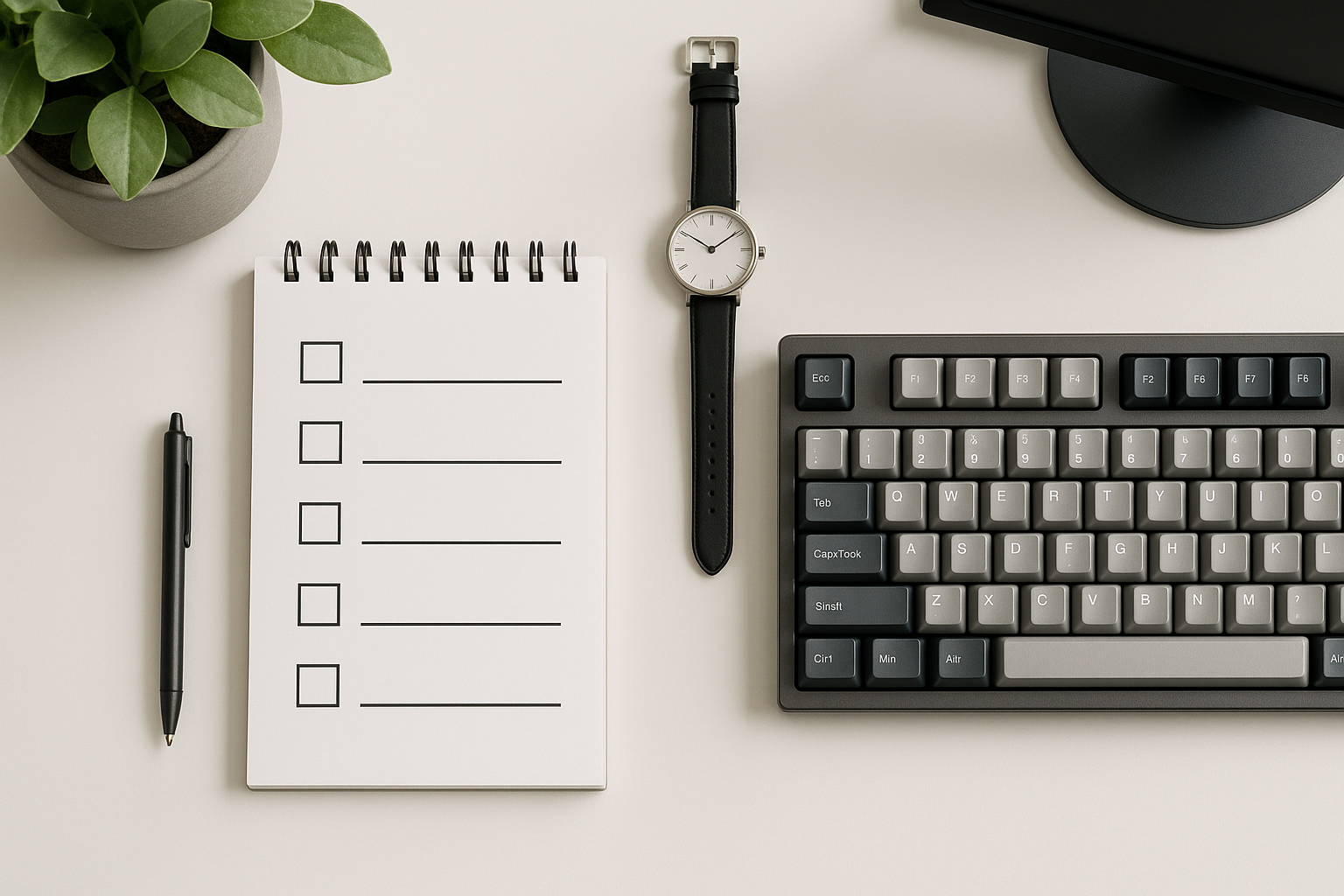
- [ ] I tested baseline and NKRO with equal session counts.
- [ ] I compared medians, not only peak screenshots.
- [ ] I tracked missed-key incidents with examples.
- [ ] I included at least one fatigue session.
- [ ] I confirmed NKRO stayed enabled after reboot.
- [ ] I kept keyboard hardware and posture unchanged during tests.
If you check at least five items, your decision quality is usually high enough to keep the setting confidently.
# Connection mode and hub setup: small details that break tests
Rollover results can change depending on how the keyboard is connected. A direct wired USB connection is usually the cleanest baseline for repeatable measurements. USB hubs, dock chains, or adapter stacks can still work, but they add one more layer where event handling can get inconsistent.
Use this quick order for validation:
- Test direct to the machine with a known good cable.
- Repeat one short session through your normal dock or hub path.
- Compare missed-key incidents, not only WPM.
- Keep the path that stays stable under burst typing.
Wireless boards can perform well, but profile switching and sleep behavior may hide configuration changes. If NKRO can be toggled per profile, confirm active profile state before each session. A simple pre-test check saves time and avoids false conclusions.
# Conclusion
N-key rollover affects typing reliability when key timing overlaps, which is common in fast typing and shortcut-heavy workflows. The main benefit is fewer dropped or misregistered inputs under pressure. For many typists, that shows up first as steadier accuracy, then as modest speed gains once error correction overhead drops.
Run a controlled seven-day test, compare medians, and keep the mode that gives cleaner input in real work conditions.