

# Keyboard Debounce Time for Typing Speed: Faster Settings Without Extra Typos
Keyboard debounce time can improve typing responsiveness, but only within a narrow safe range. For most typists, moving from a high debounce setting to about 5ms can reduce input delay without adding accidental repeats. Going too low can create double letters and unstable accuracy. The practical method is simple: test one debounce setting at a time, track median WPM and accuracy, and keep the lowest value that stays clean in real writing.
# What keyboard debounce time actually does
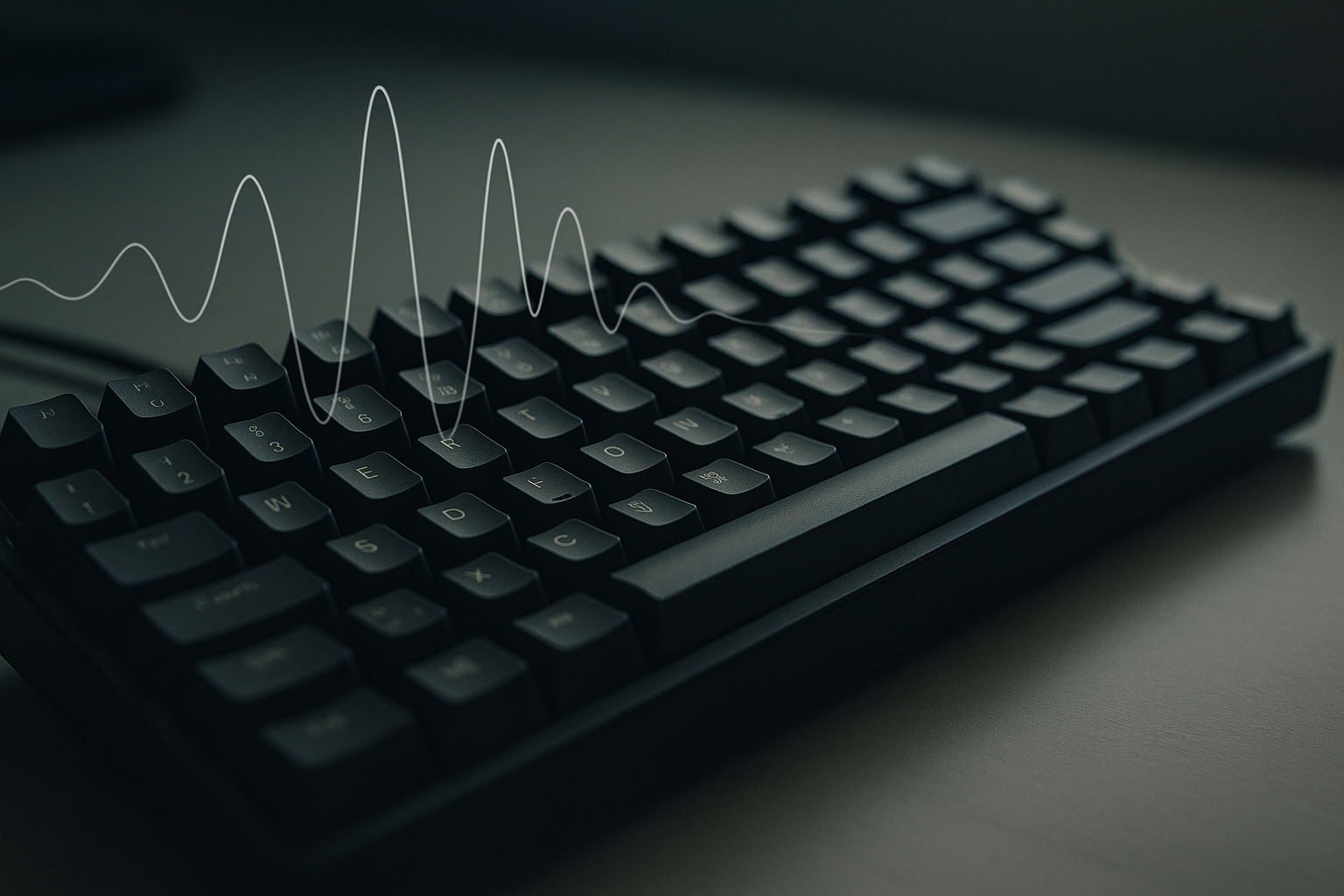
Debounce time is the short delay your keyboard firmware uses to confirm a key press is real and stable. When a switch closes, the electrical signal can oscillate for a brief moment. Firmware waits for that signal to settle, then registers input.
This matters for typing speed because debounce affects the timing of every keystroke event:
- Input can feel faster at lower debounce values.
- Key chatter risk rises if debounce is set too low for your switch condition.
- Error correction cost can erase any speed gain if repeated characters increase.
Debounce is one piece of the latency path. Scan rate, USB polling rate, OS input stack, and your own motor timing still matter. The reason debounce gets attention is that many boards let you tune it directly, so it feels like a quick performance lever.
For protocol and firmware background:
- https://docs.qmk.fm/features/debounce_type (opens new window)
- https://www.usb.org/hid (opens new window)
- https://learn.microsoft.com/en-us/windows/win32/inputdev/about-keyboard-input (opens new window)
# Does lower debounce always increase typing speed
No. Lower debounce can reduce registration delay, but speed gains only hold when accuracy remains stable.
A common pattern looks like this:
- You lower debounce and get a faster short burst score.
- Repeated letters appear in longer sessions.
- Backspace usage increases.
- Median WPM flattens or drops once correction overhead is included.
For typing, median output quality usually beats peak benchmark spikes. If your best run jumps by 5 WPM but your median accuracy drops by one percent, the net effect on daily work is often negative.
The most useful goal is not the lowest possible debounce value. The goal is the lowest stable debounce value for your keyboard, switch condition, and typing force.
# Decision table: where to start your debounce setting
Use this as a practical starting point, then validate with your own data.
| Typist profile | Current symptoms | Suggested starting debounce | Next step |
|---|---|---|---|
| New touch typist under 75 WPM | Inconsistent rhythm, occasional slips | 8ms | Build consistency first, then test 5ms |
| Intermediate typist 75 to 100 WPM | Stable input, wants cleaner response | 5ms | Compare 5ms vs 3ms over one week |
| Advanced typist above 100 WPM | Strong control, low correction count | 3ms | Test 3ms vs 2ms with strict chatter logging |
| Board with older switches | Random double letters already present | 8ms to 10ms | Clean switches and stabilize hardware first |
| Hot swap board with fresh switches | Good stability and low noise | 5ms | Trial 3ms if logs stay clean |
This table helps reduce guesswork. It does not replace measurement.
# How to test debounce time without misleading results
Most debounce tests fail for one reason: too many changes at once. If you swap keycaps, update firmware, and lower debounce in the same session, you cannot attribute performance changes correctly.
Use this controlled method.
# 1. Lock your baseline setup
Keep these fixed for the full test window:
- Same keyboard and cable.
- Same desk angle and wrist posture.
- Same typing test duration.
- Same time blocks each day if possible.
# 2. Capture baseline metrics first
Run at least 12 to 20 sessions on your current debounce setting.
Track:
- WPM
- Accuracy
- Corrected errors
- Suspected chatter events (double letters you did not intend)
- One short comfort note
# 3. Change one setting only
Move from your baseline to one lower value. Example: 8ms to 5ms, or 5ms to 3ms.
Keep everything else fixed for at least three days.
# 4. Compare medians, not peaks
Use median WPM and median accuracy to evaluate performance. Peak runs are useful for motivation, but they are noisy for decisions.
# 5. Include real writing blocks
Typing tests are controlled, but real work includes punctuation, edits, and context switching. Add at least one 20 minute real writing session each day.
If chatter appears in real writing but not in short tests, your debounce setting is still too aggressive.
# The hidden cost of chatter in typing performance
Chatter is when one key press becomes multiple characters. It may look minor, but the productivity cost accumulates quickly.
Chatter increases:
- Backspace frequency.
- Cognitive interruption during sentence flow.
- Error anxiety in speed tests.
- Fatigue from constant micro corrections.
Even a small chatter rate can erase latency gains from low debounce. That is why many fast typists land on a moderate value instead of minimum possible.
If you suspect hardware chatter, inspect switch condition before blaming technique. Dust, oxidation, worn leafs, or unstable hot swap seating can all increase bounce noise.
# Debounce vs polling rate vs actuation point
These settings are often mixed together, but they solve different problems.
- Debounce controls signal stability confirmation.
- Polling rate controls how often the host receives reports.
- Actuation point controls travel distance before registration.
A useful tuning order is:
- Confirm switch health and stable debounce.
- Validate practical polling rate impact.
- Tune actuation for feel and rhythm.
Related guides:
- Keyboard Polling Rate for Typing Speed: Does 1000Hz Help?
- Keyboard Actuation Point for Typing Speed: What to Change First
- Keyboard N-Key Rollover for Typing Speed: What Actually Matters
- Typing Accuracy: The Often Overlooked Speed Factor
This sequence gives clearer data and fewer false conclusions.
# Seven day debounce tuning plan
A one week test is usually enough to choose a stable setting.
# Days 1 and 2: baseline block
- Keep your current debounce value.
- Run 6 to 8 timed tests per day.
- Log all required metrics.
# Days 3 and 4: test value A
- Lower debounce by one step.
- Repeat identical run count and schedule.
- Add one 20 minute writing session each day.
# Days 5 and 6: stress validation
- Keep test value A.
- Run one fatigue session after normal work hours.
- Watch for chatter in punctuation heavy text.
# Day 7: decision session
Compare baseline and test value A.
Keep the lower setting only if all are true:
- Median accuracy is equal or better.
- Chatter count does not increase.
- Real writing feels at least as stable.
If one fails, revert one step higher.
# Weekly checklist for a safe keep or revert decision
- [ ] I tested baseline and one lower debounce with equal session count.
- [ ] I compared median WPM and median accuracy.
- [ ] I tracked suspected chatter events with examples.
- [ ] I included at least two real writing sessions.
- [ ] I kept hardware, posture, and test format unchanged.
- [ ] I made the final choice based on repeatable data.
If you check five or more items, your decision quality is usually strong enough to keep the setting confidently.
# When you should increase debounce instead of lowering it
Lower settings are popular, but increasing debounce is often the correct fix in these cases:
- You see repeated letters in clean, deliberate typing.
- Chatter appears more often in longer sessions.
- Switches are older and not recently cleaned.
- Firmware updates changed scan behavior.
- You type with high force and very short release timing.
Increasing from 2ms to 5ms can improve total throughput if it removes correction loops. This is a performance decision, not a step backward.
# Firmware and environment checks before finalizing
Before locking your debounce value, verify persistence and environment stability.
Check these items:
- Debounce setting survives reboot and profile switch.
- Board utility does not overwrite firmware values.
- USB path is stable and repeatable.
- Test browser and OS input language stay constant.
Useful references:
- https://docs.qmk.fm (opens new window)
- https://www.kernel.org/doc/html/latest/hid/index.html (opens new window)
- https://config.qmk.fm (opens new window)
Skipping these checks can produce inconsistent results that look like debounce issues.
# FAQ
# What is a good debounce time for typing
For many mechanical keyboards, 5ms is a strong starting point. Some setups stay stable at 3ms or 2ms, but only if chatter remains low.
# Is 1ms debounce good for typing speed
It can work on specific hardware with clean switches and stable firmware, but it increases chatter risk. Validate with real writing, not only short tests.
# Can debounce changes improve typing accuracy
Yes, when current settings are causing false repeats or unstable registration. Accuracy often improves when debounce is set to the lowest stable value instead of the lowest possible value.
# Conclusion
Keyboard debounce time is a practical tuning lever for typing speed, but stable accuracy remains the deciding metric. Start from a conservative value, lower one step at a time, and keep the first setting that preserves clean input in both typing tests and real writing.
That method gives measurable gains without turning every paragraph into a backspace marathon.