

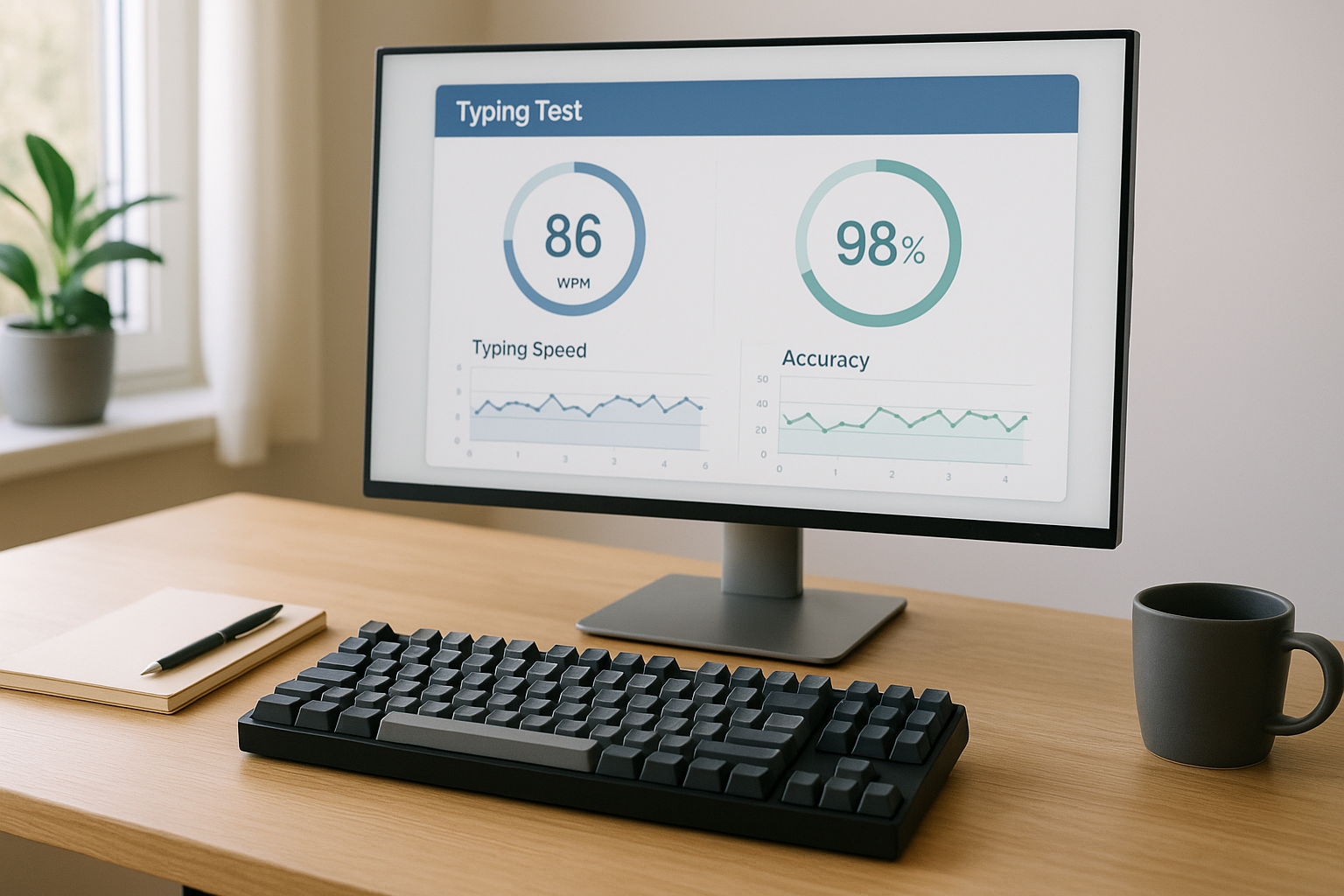
A type speed test is useful when you treat it like a measurement system, not a daily lottery. The practical goal is simple: increase sustained words per minute while keeping error rate stable enough for real work. This guide gives you a 14 day protocol with baseline setup, daily blocks, retest criteria, and transfer checks so your test score improvement also appears in normal typing.
If you want benchmark setup details first, read the keyboard speed benchmark workflow. If your current issue is settings latency, review keyboard polling rate for typing speed. If you are tuning switch behavior, use keyboard debounce guidance.
# What a type speed test should measure
Most people track one top score and call it progress. That hides useful signal. A better test stack captures:
- Burst speed over short text
- Sustained speed over longer text
- Accuracy under normal pace and higher pace
- Score stability across multiple runs
- Transfer to real writing tasks
Typing studies and motor learning research show that high repetition improves movement efficiency, but skill quality depends on feedback and error control, not repetition alone. Use test blocks with consistent conditions and track medians, not outliers. NIH motor learning review (opens new window) and APA practice and feedback findings (opens new window) both point to this pattern.
# The 14 day type speed test protocol
You will run 5 test days per week with 2 lighter recovery days. Each active day has three short blocks.
# Daily blocks
- Baseline block; three 60 second tests at comfortable pace.
- Skill block; two focused drills for your current bottleneck.
- Retest block; three 60 second tests at target pace.
Keep total session time to 20 to 30 minutes. Longer sessions often reduce quality and inflate fatigue errors.
# Decision table for day to day adjustments
| Condition at end of session | Next day action |
|---|---|
| Median WPM up, accuracy stable within 0.5% | Keep drill mix and increase target pace by 2 WPM |
| Median WPM flat, accuracy improved by 1% or more | Keep target pace, increase difficult bigram drills |
| Median WPM down, accuracy down | Reduce pace by 3 WPM and shorten skill block |
| One outlier run is high, median flat | Ignore outlier and keep current plan |
| Two sessions with rising error rate | Insert one recovery day and resume at prior pace |
This table prevents emotional switching. You follow data, then adjust.
# Step 1; build a clean baseline
Use the same keyboard, layout, chair height, and browser each day. Small environment changes can produce enough variation to hide real trend.
Baseline setup checklist:
- Same test duration each run, usually 60 seconds
- Same language and punctuation mode
- Same window zoom and font size
- Same keyboard firmware profile
- Same hand position and desk angle
For keyboard timing consistency, keep polling and debounce unchanged during the 14 day cycle. Change one variable only at planned checkpoints. Reference timing guidance from Rtings keyboard latency methodology (opens new window) and QMK docs (opens new window).
# Step 2; identify your current bottleneck
Your bottleneck is usually one of four categories:
- Rhythm break; speed drops on punctuation or capitalization
- Finger map weakness; specific bigrams and trigrams fail repeatedly
- Visual pacing issue; eyes lag behind typed output
- Overpacing; pushing speed produces correction cascades
You can tag each error in a simple log after every retest block. Over three sessions, the dominant category is obvious.
# Quick diagnostic method
After each 60 second run, record:
- WPM
- Accuracy
- Two most frequent error patterns
- Subjective effort from 1 to 5
If effort rises while WPM stalls, your pace target is above current control threshold. Lower pace for 2 sessions, then retest.
# Step 3; choose drills based on error type
Do not rotate random drills daily. Pick drills that attack the dominant failure pattern.
# Drill selection matrix
- Rhythm break; punctuation interval drills and sentence boundary drills
- Finger map weakness; bigram repetition sets with low speed cap
- Visual pacing issue; preview window drills with fixed eye lead
- Overpacing; tempo capped tests with strict accuracy floor
Use 4 minute drill segments with 1 minute rest. Short and strict beats long and loose.
# Step 4; set an accuracy floor before speed goals
A type speed test score that requires heavy corrections does not transfer well to actual writing. Set a floor and enforce it.
Recommended floor by level:
- Beginner to intermediate; 95% to 96%
- Intermediate to advanced; 96% to 97%
- Advanced with editing heavy work; 97%+
If a session drops below floor, stop raising pace for 48 hours. Continue drill work, then resume progression.
Research on skill acquisition consistently shows error controlled progression outperforms maximum pace attempts for retained performance. Principles of deliberate practice summary (opens new window).
# Step 5; run weekly transfer checks
Every fourth session, replace one retest block with real task typing:
- Write a 250 to 400 word paragraph from notes
- Keep autocorrect and grammar tools in normal state
- Measure net WPM and revision count
Why this matters: many users improve test text recognition faster than general composition speed. Transfer checks expose that gap early.
# Example 14 day schedule
# Days 1 to 3; stabilize baseline
- Three baseline runs daily
- One drill for accuracy and one for rhythm
- Pace cap set to current median plus 1 WPM
# Days 4 to 7; controlled progression
- Increase pace target by 2 WPM after stable sessions
- Keep accuracy floor fixed
- Add one transfer check on day 6 or 7
# Days 8 to 10; bottleneck correction cycle
- Focus 70% of drill time on top error category
- Keep retest volume unchanged
- Avoid keyboard setting changes during this phase
# Days 11 to 14; consolidation and final retest
- Alternate progression day and stabilization day
- Run final comparison with day 1 median
- Record sustained WPM delta and error trend
A clean outcome is not one big top score. A clean outcome is higher median WPM, stable accuracy, and improved transfer result.
# How to read your results without fooling yourself
Use three numbers for weekly reporting:
- Median 60 second WPM
- Median accuracy
- Net writing WPM on transfer task
Ignore single run highs unless median also rises. Single highs usually reflect favorable text patterns and temporary arousal.
If your median rises but transfer speed does not, reduce pure test blocks and increase composition style drills for 1 week.
# Common failure modes and fixes
# Failure mode 1; chasing maximum speed every run
Fix: make only one retest run per block pace aggressive. Keep the other runs controlled.
# Failure mode 2; changing keyboard settings mid cycle
Fix: freeze settings for 14 days. Any hardware test belongs in a separate benchmark session.
# Failure mode 3; no recovery days
Fix: insert two light days weekly with only baseline and one short drill block.
# Failure mode 4; tracking gross WPM only
Fix: track net output quality with transfer checks and revision count.
# Recommended tracking template
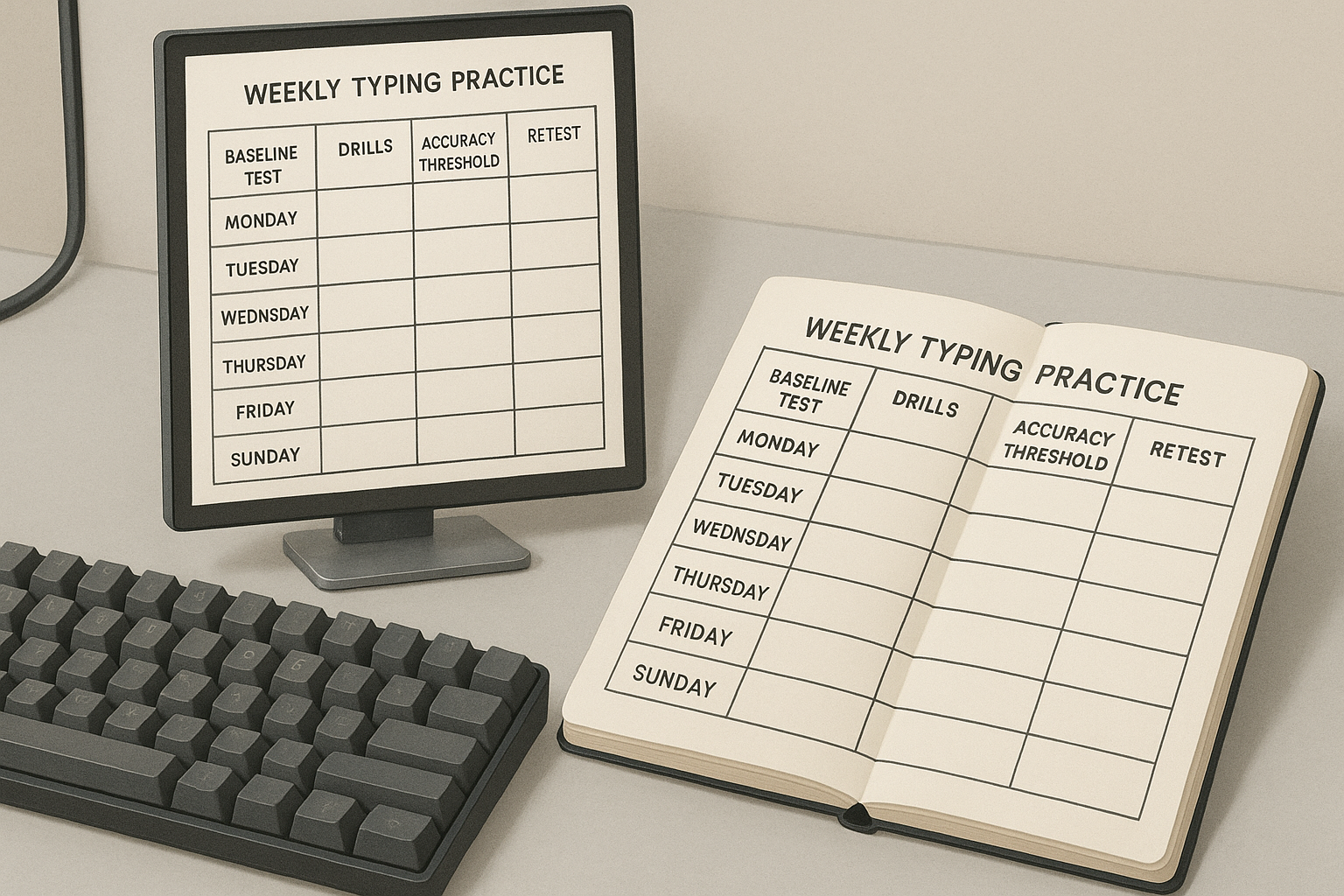
Use a simple note or sheet with one row per session:
- Date
- Median WPM baseline
- Median WPM retest
- Accuracy baseline and retest
- Dominant error tag
- Next day plan from decision table
This keeps the loop objective and fast.
# When to change hardware versus training plan
If three conditions hold, hardware tuning may help:
- Error pattern suggests key registration delay or chatter
- Your skill metrics plateau for 7 sessions
- Transfer metrics plateau at the same time
If only test score plateaus while transfer keeps improving, stay with training. Hardware changes are less urgent.
For hardware experiments, isolate one variable at a time and reuse benchmark flow from keyboard speed benchmark workflow.
# The practical target for the next 14 days
Set a realistic goal before you start:
- Median sustained gain of 3 to 8 WPM
- Accuracy stable or improved by 0.5%
- Transfer writing gain of 2 to 5 net WPM
Those numbers are enough to feel faster in daily work without increasing correction load.
# FAQ for daily type speed test users
# How many tests per day are enough
Six measured runs is enough for most people; three baseline and three retest. More runs often add fatigue noise and lower data quality.
# Should I practice on random quotes or fixed text
Use mostly random text for general transfer, then add one fixed passage each week to compare rhythm and consistency under identical content.
# Is 100 percent accuracy the right target
For most typists, a strict 100 percent target slows progression too much. A stable 96% to 97% with controlled correction load is usually better for practical throughput.
# Can I mix layout learning with speed training
You can, but progress interpretation becomes messy. During a 14 day speed cycle, keep your layout stable. Run separate cycles when learning Colemak or Dvorak.
A type speed test becomes useful when you pair it with controlled sessions, a stable environment, and strict decision rules. Run the 14 day plan once, review your bottleneck profile, then start the next cycle with one variable changed on purpose.