

# Words Per Minute Test: How to Measure Real Typing Speed That Transfers to Work
A words per minute test measures how quickly and accurately you type, but one score rarely tells the full story. For useful improvement, track three numbers together: WPM, accuracy, and consistency across multiple runs. Most typists improve faster when they stop chasing a single peak score and start measuring median performance over one to two weeks.
# What a words per minute test actually measures
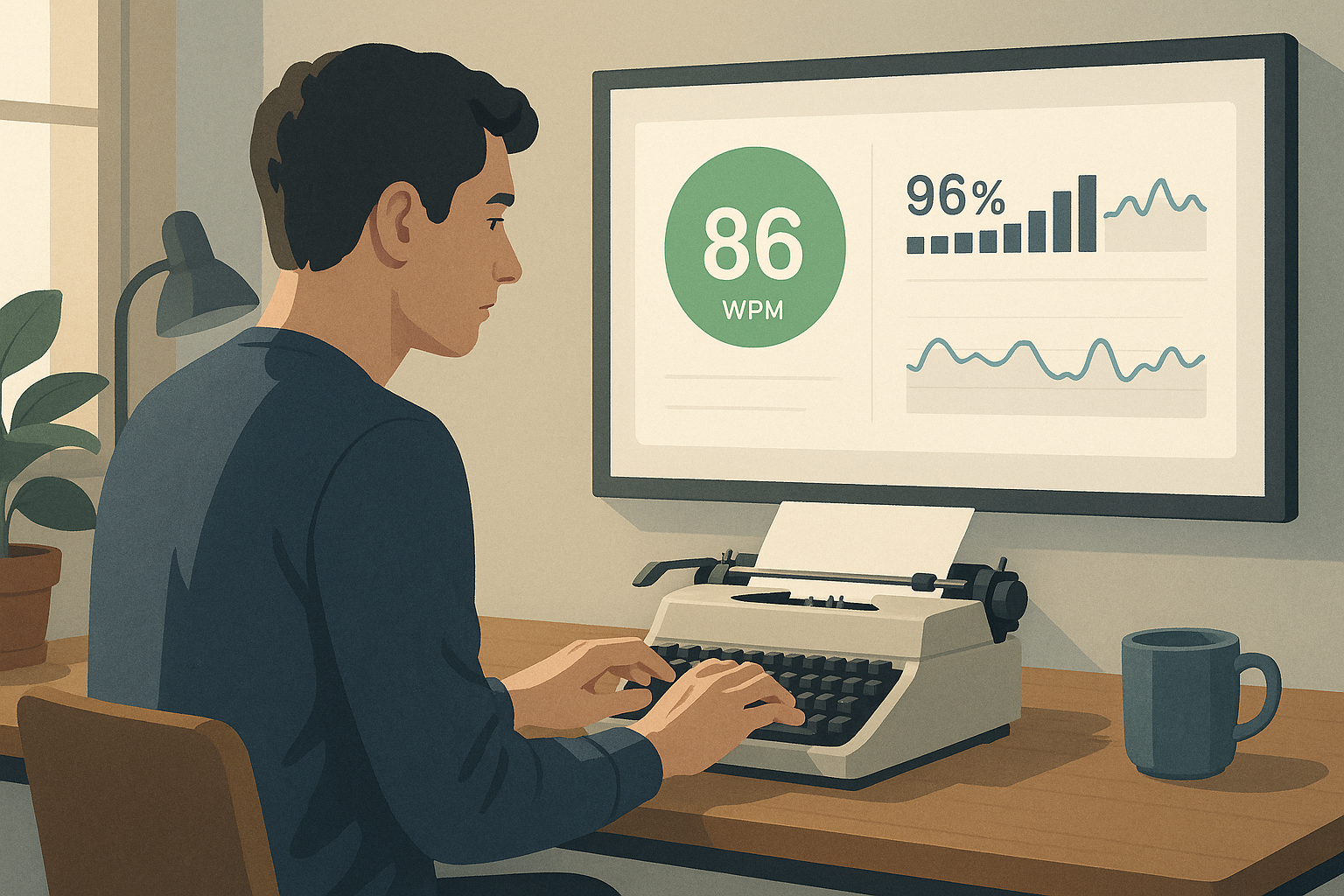
A words per minute test estimates output speed by counting typed characters and converting that number into standardized words. In most typing platforms, one word equals five characters including spaces. Accuracy is usually tracked separately, which is important because raw speed without clean output creates editing overhead.
Core metrics to track:
- WPM: the speed metric.
- Accuracy: percent of correct keystrokes or correct words.
- Consistency: how stable your pace is from run to run.
- Corrected errors: how often you needed backspace or retype.
If your test only surfaces one headline number, log the missing metrics manually. The improvement decisions become clearer when you can see trade offs instead of guessing.
For metric definitions and keyboard input standards:
- https://www.ratatype.com/learn/average-typing-speed/ (opens new window)
- https://www.typing.com/blog/how-to-increase-typing-speed/ (opens new window)
- https://www.usb.org/hid (opens new window)
# Why single run scores mislead most typists
A single score has high variance. Warm up level, text difficulty, fatigue, and hand temperature can move results by several WPM in either direction. The same typist can post a strong personal best in the morning and struggle to repeat it in a late session.
Common sources of noise:
- Different passage difficulty between runs.
- Inconsistent test durations.
- Early run rust before your fingers settle.
- Over correction when aiming for a personal best.
- Session fatigue.
The fix is simple. Replace one score with a small dataset. Use identical test settings, run enough samples, and compare medians.
# Burst WPM vs sustained WPM
Many typists have two speeds:
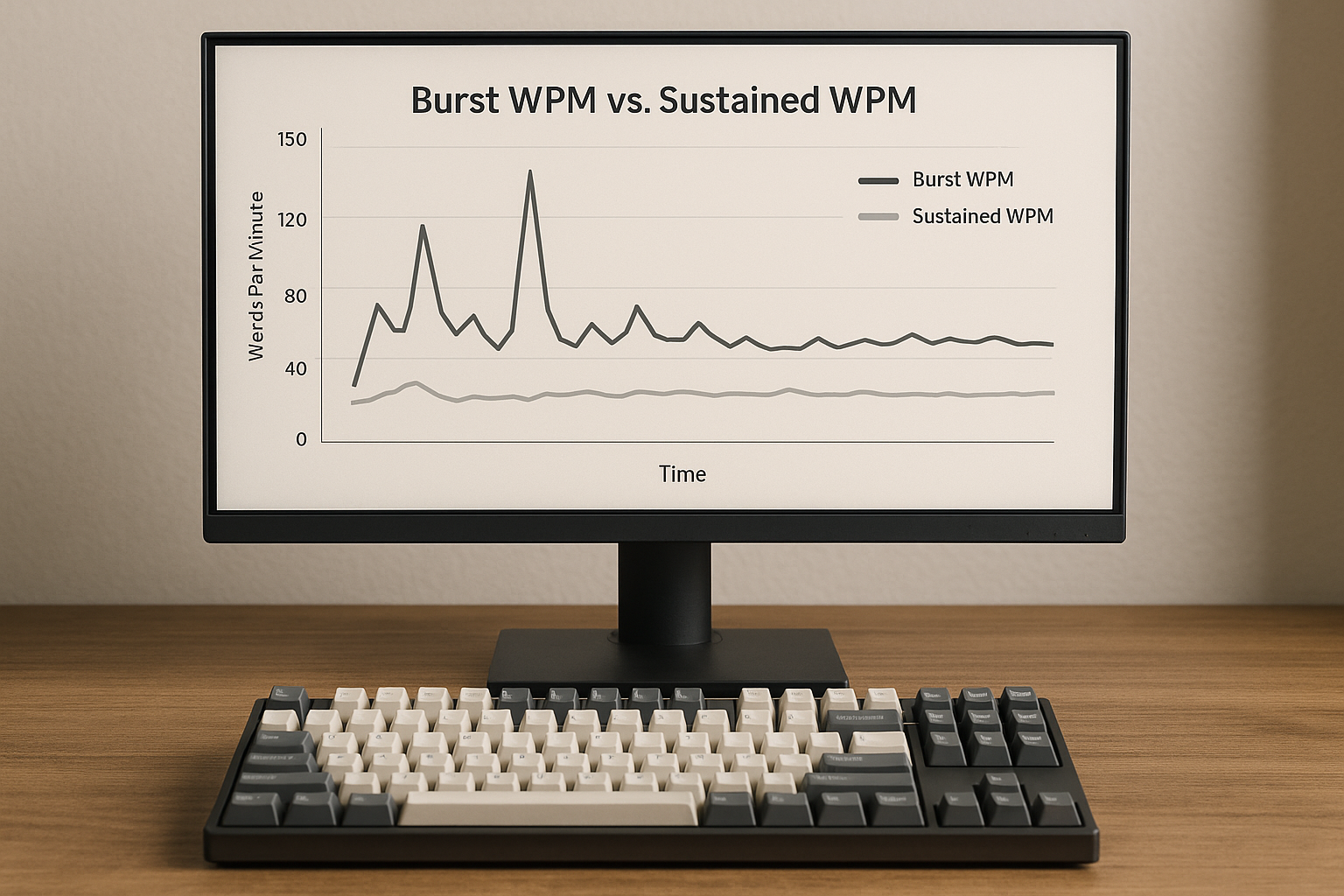
- Burst WPM: your best short run, often under one minute.
- Sustained WPM: your stable pace over longer sessions with lower error cost.
Burst speed is useful for tracking top end capability. Sustained speed is usually more predictive for daily writing, coding comments, chat work, and note taking.
A practical pattern:
- Burst WPM rises quickly with motivation.
- Sustained WPM rises slower.
- Accuracy drops if burst effort becomes the default mode.
When performance plateaus, train sustained speed first. It usually produces better real output and then pulls burst speed up later.
# Decision table: choose the right words per minute test format
Pick one primary format, then keep it stable for at least two weeks.
| Goal | Recommended test length | Primary metric | Secondary metric | What to avoid |
|---|---|---|---|---|
| Raise usable writing speed | 120 to 300 seconds | Median WPM | Accuracy and corrected errors | Chasing only personal best screenshots |
| Prepare for hiring screen | Match expected screen length | P25 WPM (lower quartile) | Consistency score | Using easier custom word lists |
| Build top end speed | 30 to 60 seconds | Best of 5 WPM | Accuracy floor at 96 to 98 percent | Running short tests only |
| Recover from error heavy typing | 60 to 120 seconds | Accuracy first | Median WPM | Increasing speed target every day |
| Compare keyboard or layout changes | Fixed 120 second runs | Delta in median WPM | Delta in accuracy | Changing hardware and habits together |
A stable format gives you comparable data. If you change test duration or text style daily, trend analysis becomes weak.
# Realistic words per minute test targets by context
Targets depend on task type. General writing with punctuation and editing behaves differently from timed tests with predictable text.
Reference ranges for adults with regular keyboard use:
- 40 to 55 WPM: functional baseline for routine digital tasks.
- 55 to 75 WPM: efficient for most office writing.
- 75 to 95 WPM: strong performance with good fluency.
- 95 plus WPM: advanced speed when accuracy remains stable.
For role oriented benchmarks, this guide provides useful context:
Set goals with both speed and error boundaries. A target like "80 WPM at 97 percent accuracy" supports transfer to real work better than speed alone.
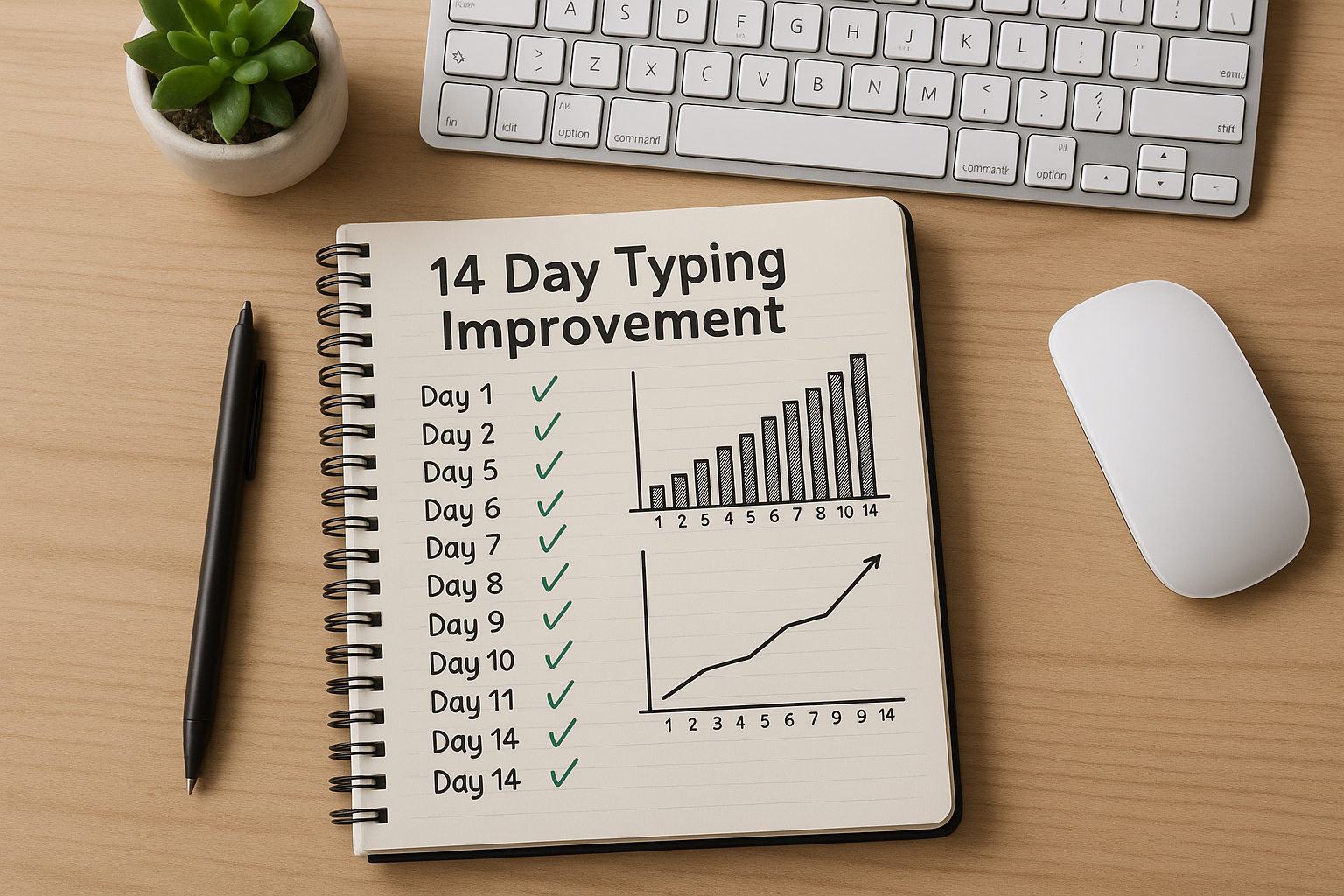
# The two week words per minute test loop
You can run this loop with one keyboard and one test platform. Keep everything else steady.
# Days 1 to 3: baseline capture
- Run 4 to 6 tests per day.
- Use one fixed duration.
- Record WPM, accuracy, and corrected errors.
- Exclude first run if it is always an outlier.
# Days 4 to 7: rhythm focus block
- Keep same test format.
- Lower effort slightly to reduce over pressing.
- Aim for fewer corrections, then let speed rise naturally.
- Add one longer writing block each day.
# Days 8 to 11: speed consolidation
- Add one short burst session after warm up.
- Keep most sessions at sustained pace.
- Compare daily median against baseline median.
# Days 12 to 14: validation
- Repeat baseline conditions exactly.
- Confirm gain holds on low energy days.
- Lock a new target only if accuracy remains stable.
The loop works because it separates measurement from experimentation. You still train daily, but you do it inside a repeatable framework.
# Checklist for reliable words per minute test progress
- [ ] I use the same test duration for trend tracking.
- [ ] I compare medians, not single personal best runs.
- [ ] I track accuracy with speed on every session.
- [ ] I log corrected errors or backspace heavy runs.
- [ ] I keep keyboard and posture constant during the test window.
- [ ] I include at least one real writing session per day.
- [ ] I review results every three to four days before changing strategy.
If five or more boxes are checked consistently, your data quality is usually good enough for confident decisions.
# How keyboard settings can distort a words per minute test
Hardware and firmware can change scores even when your skill level is unchanged. If you are tuning your setup, isolate one change at a time and re run your baseline protocol.
Useful related guides:
- Keyboard Polling Rate for Typing Speed: Does 1000Hz Help?
- Keyboard Actuation Point for Typing Speed: What to Change First
- Keyboard Debounce Time for Typing Speed: Faster Settings Without Extra Typos
Configuration changes that can affect test comparability:
- Debounce adjustments.
- Actuation point changes.
- Polling rate changes.
- Different keycap profiles.
- Layout swaps such as QWERTY to Colemak.
Treat equipment tuning as a separate experiment from typing skill training. Mixing both in one week creates ambiguous results.
# Common mistakes that cap words per minute test gains
# Mistake 1: testing too hard every run
Constant max effort creates tension and unstable rhythm. Most typists improve faster with a controlled pace on most runs and one planned high effort attempt.
# Mistake 2: ignoring corrected errors
If backspace rate climbs while WPM rises, total output quality may be flat. Track corrected errors and use them as a guardrail.
# Mistake 3: changing too many variables
Switching keyboard settings, layout, and training method at the same time makes progress hard to attribute.
# Mistake 4: comparing different passage types
Random words, punctuation heavy paragraphs, and code like text produce different speed profiles. Keep test content style consistent for trend lines.
# Mistake 5: no fatigue accounting
A score from your best hour can be useful, but sustained performance across normal energy levels is the better benchmark for practical typing speed.
# FAQ
# What is a good words per minute test score
A good score depends on your context. For many adults, 55 to 75 WPM with high accuracy is efficient for daily tasks. Advanced typists often sustain higher speeds with accuracy above 96 percent.
# How often should I take a words per minute test
For active improvement, 4 to 6 short runs per day is usually enough. For maintenance, a few sessions per week can keep your baseline current.
# Should I prioritize WPM or accuracy
Prioritize both, with accuracy as the stability floor. A common target is to raise WPM while holding accuracy in a narrow range, then increase the floor once speed stabilizes.
# Why does my words per minute test vary so much
Variation usually comes from warm up state, text difficulty, fatigue, and inconsistent settings. Standardizing test length and using median scores reduces noise.
# Conclusion
A words per minute test becomes much more useful when you treat it as a measurement system, not a single score event. Track WPM with accuracy and consistency, separate burst from sustained performance, and review medians over a two week cycle. That process produces gains that transfer to real writing instead of staying trapped in short benchmark spikes.
Use the data, keep the format stable, and adjust one variable at a time.