

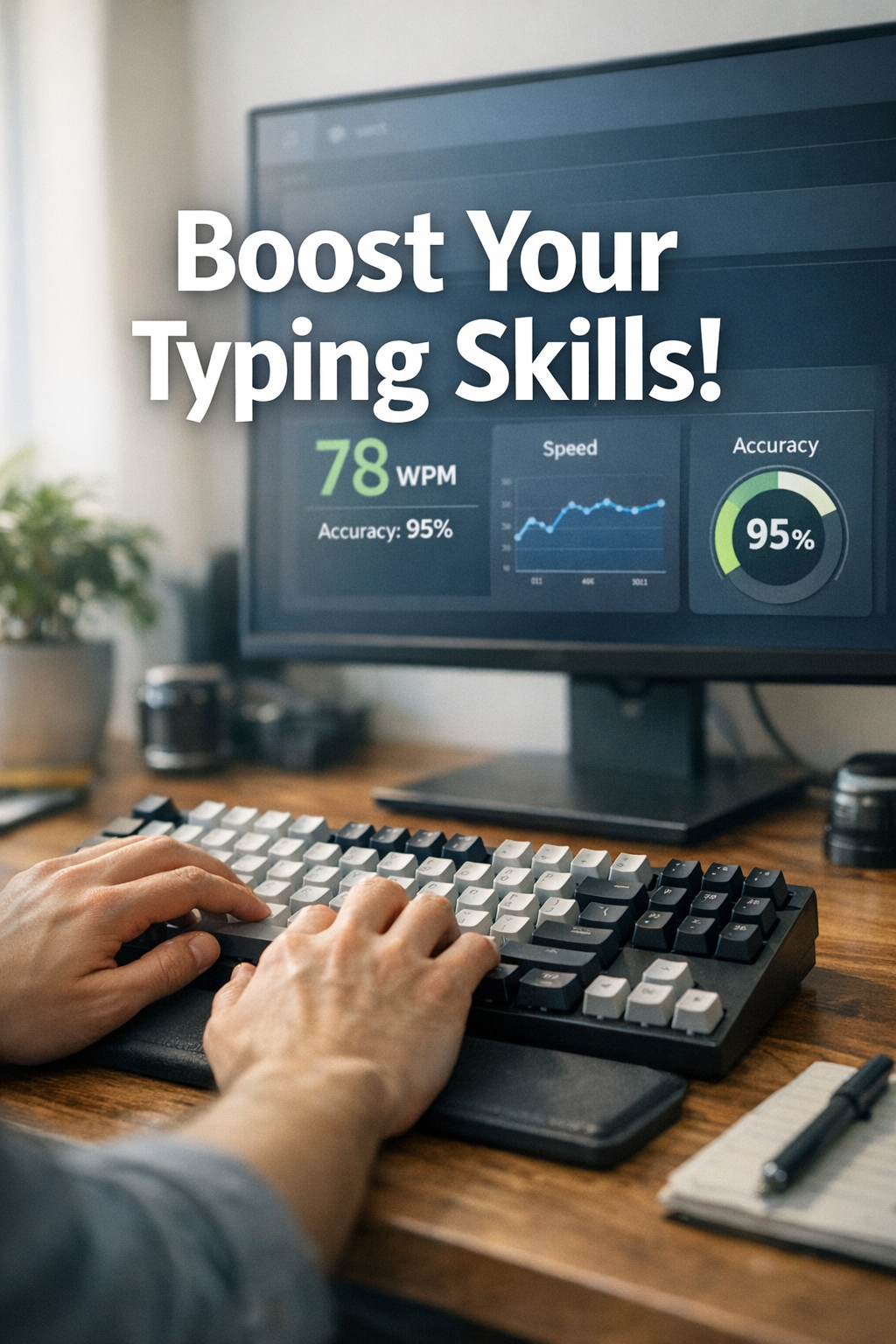
A keyboard speed test should give you a speed target you can keep while writing real text. The practical method is to set WPM goals by accuracy band, track corrected output, and only raise pace after stability checks. This keeps progress tied to usable words, not one lucky sprint run.
If you need a baseline setup first, use this keyboard speed test benchmark workflow. If your current issue is score volatility across passages, this typing speed test text difficulty guide helps normalize sessions. If you want a daily training cadence, this type speed test practice plan is a good companion.
# Why most keyboard speed test goals stall after the first gains
Many typists set one goal such as “reach 90 WPM” and push pace every session. Results usually follow the same pattern:
- Short term WPM rises.
- Accuracy falls.
- Backspace load climbs.
- Real writing output stays flat.
The root issue is goal design. A single speed number ignores correction burden. In real work, every correction costs time and attention. Two people can post the same test WPM and finish very different amounts of clean text.
Human motor learning research supports this. Performance improves fastest when speed is increased inside a stable error boundary, then consolidated before the next increase. A pure max pace strategy produces noisy gains and weaker retention. Useful references include this motor skill learning review from NCBI (opens new window), this deliberate practice framework summary from APA PsycNet (opens new window), and Microsoft guidance on keyboard input behavior (opens new window).
# Build accuracy bands before setting new WPM targets
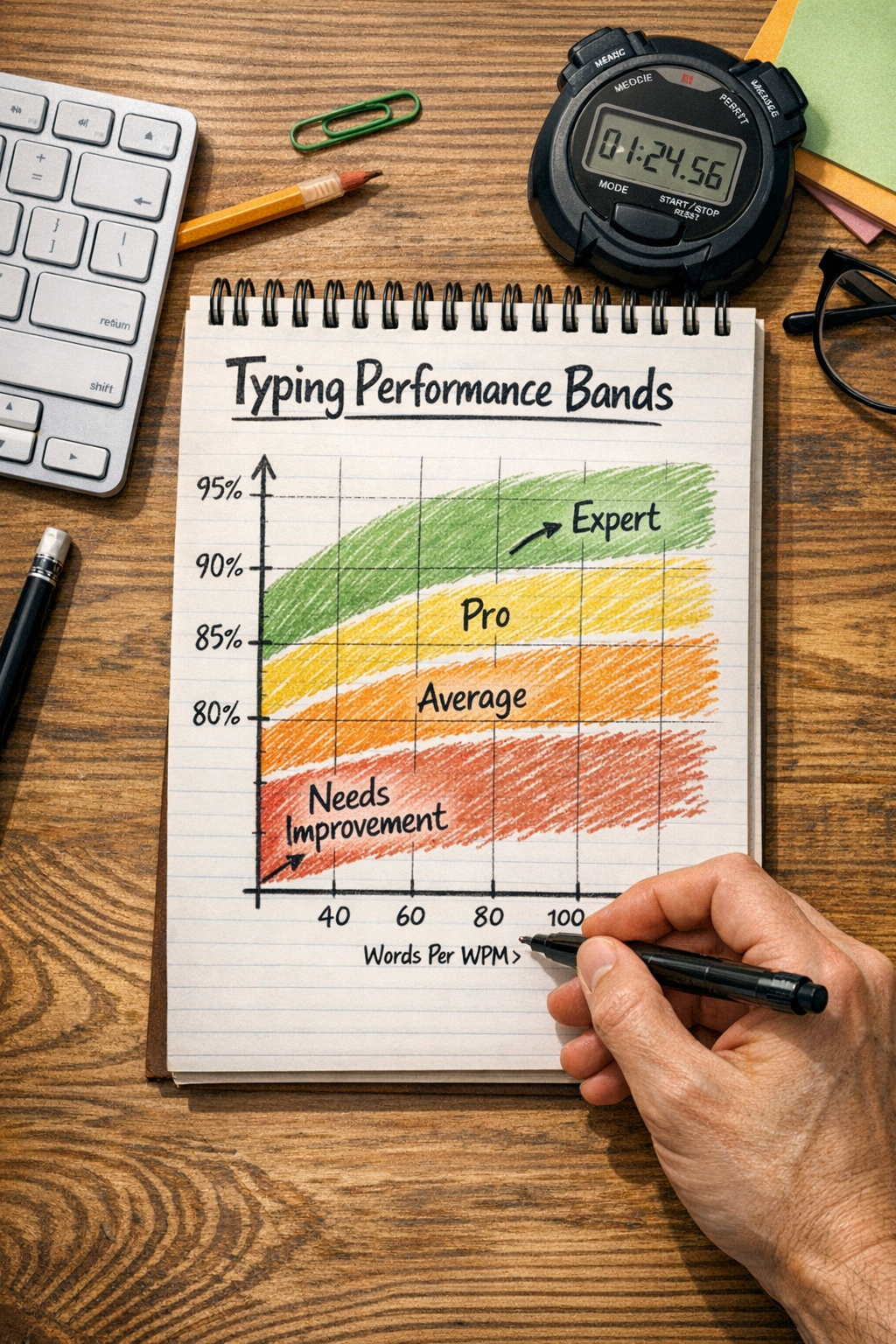
Start with three accuracy bands, then assign a speed target to each band. This gives you a progression system that matches control level.
Recommended band model:
- Band A: 98.0% and above accuracy.
- Band B: 96.5% to 97.9% accuracy.
- Band C: 95.0% to 96.4% accuracy.
Any run under 95% is diagnostic, not progression data.
Run 9 measured tests over 3 sessions, then compute median WPM inside each band. Those medians become your current control map.
# Example control map
- Band A median: 71 WPM
- Band B median: 79 WPM
- Band C median: 85 WPM
This map says your practical range exists between 71 and 85 WPM, with quality dropping as pace rises. Your next target should be Band B improvement, not Band C sprint chasing.
# Decision table for choosing your next keyboard speed test target
Use this after every three measured sessions.
| Current pattern | Interpretation | Next target action |
|---|---|---|
| Band A rising, Band B stable, Band C noisy | Control foundation improving | Raise Band B target by 1 to 2 WPM |
| Band A flat, Band B rising, Band C collapsing | Progression is too aggressive | Hold Band B target for 3 sessions |
| Band A down, Band B down, Band C up | Overpacing and correction debt | Reduce all targets by 2 WPM for 48 hours |
| Band A stable, Band B stable, Band C stable | Plateau with balanced control | Change one drill variable, keep targets fixed |
| Band A rising and Band B rising with stable spread | Transfer-friendly progression | Add one harder text block, keep pace plan |
This table keeps changes objective. You move targets when the right band behavior appears, not when one top score looks good.
# Set a corrected output metric so WPM has context
Raw WPM is helpful, but corrected output tells you what you can ship.
Track one additional metric per run:
Corrected WPM = Raw WPM x Accuracy
If you type 82 WPM at 96.2% accuracy, corrected WPM is 78.9. If you type 79 WPM at 98.1% accuracy, corrected WPM is 77.5.
Those results are close. The second run may still be preferable if it feels lower effort and keeps mistakes clustered. Over a longer writing session, lower correction pressure often wins.
For weekly decisions, compare medians of corrected WPM by band. Promote targets only when corrected median rises for two consecutive checkpoints.
# Session format that keeps keyboard speed test data clean
A short repeatable session beats long ad hoc practice.
Use this 24 minute structure:
- Warmup for 3 minutes, unscored.
- Baseline block: 3 runs x 60 seconds at Band A to Band B pace.
- Progression block: 3 runs x 60 seconds at Band B target.
- Stretch block: 2 runs x 60 seconds at Band C pace cap.
- Log notes for 3 minutes.
Keep environment constant:
- Same keyboard profile and firmware settings.
- Same browser and zoom level.
- Same desk posture.
- Similar time of day when possible.
If you are also tuning hardware, isolate that process. Keep training sessions separate from configuration experiments. For measurement discipline around keyboard latency variables, see Rtings latency methodology (opens new window) and QMK debounce documentation (opens new window).
# Error taxonomy: the fastest way to stop random plateaus
Most plateaus come from repeating drills that do not match the current error type. Add simple error tagging to each session.
Use four tags:
- Timing errors: early key hits, rhythm breaks, dropped letters.
- Transition errors: repeated failures on the same bigram or trigram.
- Visual pacing errors: eye lead collapses on punctuation heavy text.
- Control errors: speed spikes followed by correction cascades.
After each session, mark the top two tags. Over six sessions, patterns are clear.
Then map drills:
- Timing errors: interval tempo drills with fixed metronome pace.
- Transition errors: low speed repetition on weak combinations.
- Visual pacing errors: preview window drills with sentence chunks.
- Control errors: capped pace runs with strict accuracy floor.
This gives you targeted adaptation. You stop spending time on drills that feel active but do not move the current bottleneck.
# Practical target ladder for four weeks
Use a ladder, not a single endpoint.
# Week 1: stabilize
- Keep Band B target fixed.
- Aim for accuracy variance under 0.8 percentage points.
- Ignore Band C highs.
# Week 2: progress
- Raise Band B target by 1 to 2 WPM if week 1 is stable.
- Keep Band A unchanged.
- Limit stretch runs to two per session.
# Week 3: transfer check
- Keep all speed targets fixed.
- Add two real writing blocks of 250 to 400 words.
- Track net words produced and revision count.
# Week 4: consolidate
- Keep only one aggressive run per session.
- Promote targets only if corrected WPM median improved in both test and transfer blocks.
This ladder reduces false positives. It also keeps fatigue from masking trend quality.
# Internal consistency checks before you trust a score jump
Before accepting any large gain, verify these checks:
- Passage type stayed comparable to prior sessions.
- Session happened in your normal energy window.
- Hardware settings were unchanged.
- Accuracy and corrected WPM rose together.
- The gain appeared in at least one non test writing task.
If two or more checks fail, mark the result as provisional. Continue with the same targets until the gain repeats under normal conditions.
# Common keyboard speed test target mistakes
# Mistake 1: promoting pace after one high run
High outliers are common in favorable text. Use medians across at least six measured runs.
# Mistake 2: mixing adaptation and progression
Switching keycaps, switches, or debounce settings while raising speed targets creates confounded data. Keep one axis stable.
# Mistake 3: treating all errors as equal
A run with a few clustered punctuation misses is different from a run with broad control collapse. Use error tags to separate causes.
# Mistake 4: relying on raw WPM only
Raw speed hides correction cost. Add corrected WPM and transfer checks so your target system reflects real output.
# How to connect your target system to real work
A keyboard speed test is useful when it predicts actual throughput.
Run one weekly transfer block:
- Write an original 300 word paragraph from notes.
- Keep normal editing behavior.
- Record elapsed time, net words, and major correction moments.
Then compare with test medians:
- If test medians rise and transfer rises, your target ladder is working.
- If test medians rise and transfer stalls, reduce stretch pace and raise control drill volume.
- If both stall, review error taxonomy and change one drill variable.
You can also compare your trend to typical typing benchmark ranges discussed in this words per minute test framework. Use it for context, not as a fixed performance ceiling.
# FAQ
# What is a good keyboard speed test accuracy target for daily work
A practical starting target is the fastest pace you can hold at or above 96.5% accuracy across repeated runs. That usually produces stronger corrected output than pushing maximum sprint speed.
# How often should I raise my WPM target
Raise only after two checkpoints where Band B median and corrected WPM both improve. For most typists, that is every 4 to 7 sessions.
# Should advanced typists use stricter accuracy bands
Yes. Advanced typists often benefit from shifting bands upward, for example Band A at 98.5% and above, Band B at 97.2% to 98.4%, Band C at 96.0% to 97.1%.
# Can this method help with job screening tests
Yes. Screening tests usually reward stable speed with low errors over fixed durations. Band based targets prepare you for that better than sprint style practice.
A keyboard speed test becomes a useful training tool when you pair WPM goals with explicit accuracy bands, corrected output tracking, and transfer checks. Build your control map, promote pace in small steps, and let median trends decide when to move up.