

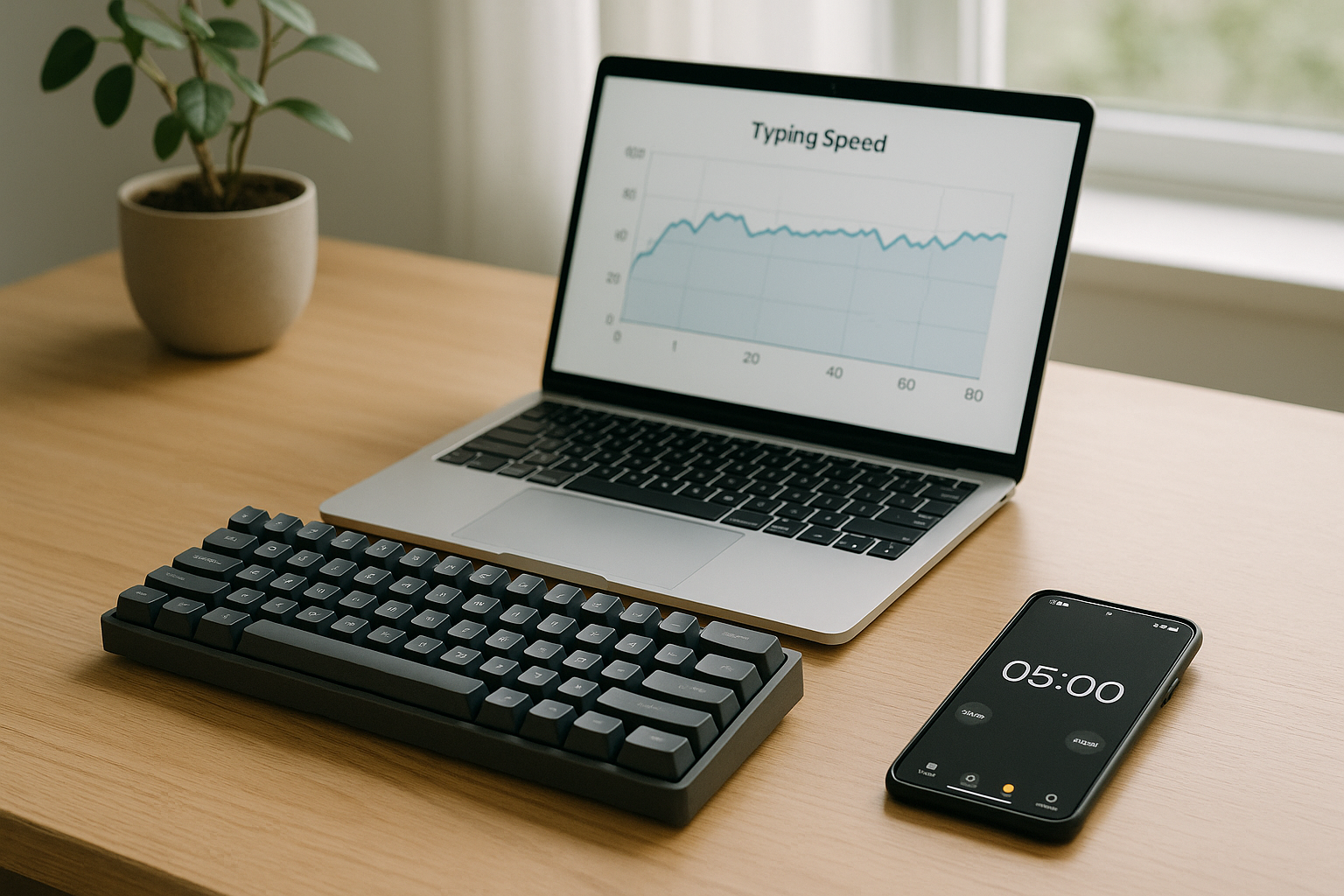
A keyboard typing test is most misleading in the first few minutes. Cold starts often produce lower WPM, unstable accuracy, and noisy results that hide your real level. A structured 10 minute warmup solves that problem by preparing finger timing, visual pacing, and rhythm before measured runs. The result is cleaner test data and better transfer to real writing tasks.
If your current issue is comparing sessions fairly, use this keyboard speed test benchmark guide. If you are balancing pace and mistakes, this accuracy target framework pairs well with the protocol below. If score swings come from changing passages, this text difficulty method helps normalize results.
# Why a keyboard typing test warmup changes your scores
Typing performance depends on both motor control and language processing. At session start, your hands and eyes are still calibrating. Keystroke timing, gaze lead, and correction behavior settle after a short adaptation window.
That pattern appears in broader motor learning literature and reaction time studies. Early reps in a session usually carry higher variability than stabilized reps. Useful references include this motor learning review from NCBI (opens new window), guidance on keyboard input event behavior from Microsoft documentation (opens new window), and practical latency measurement methods from Rtings keyboard testing (opens new window).
For a keyboard typing test, this means one thing. If you score without warmup, you measure transition noise as much as typing skill.
# What the 10 minute protocol does
This protocol prepares three systems in sequence:
- Tempo control so your initial speed does not overshoot.
- Transition control so weak bigrams stop causing early collapses.
- Visual pacing so you read ahead with stable cadence.
The structure stays short enough for daily use. It also keeps the measured block separate from training volume, which improves week to week comparability.
# Protocol overview
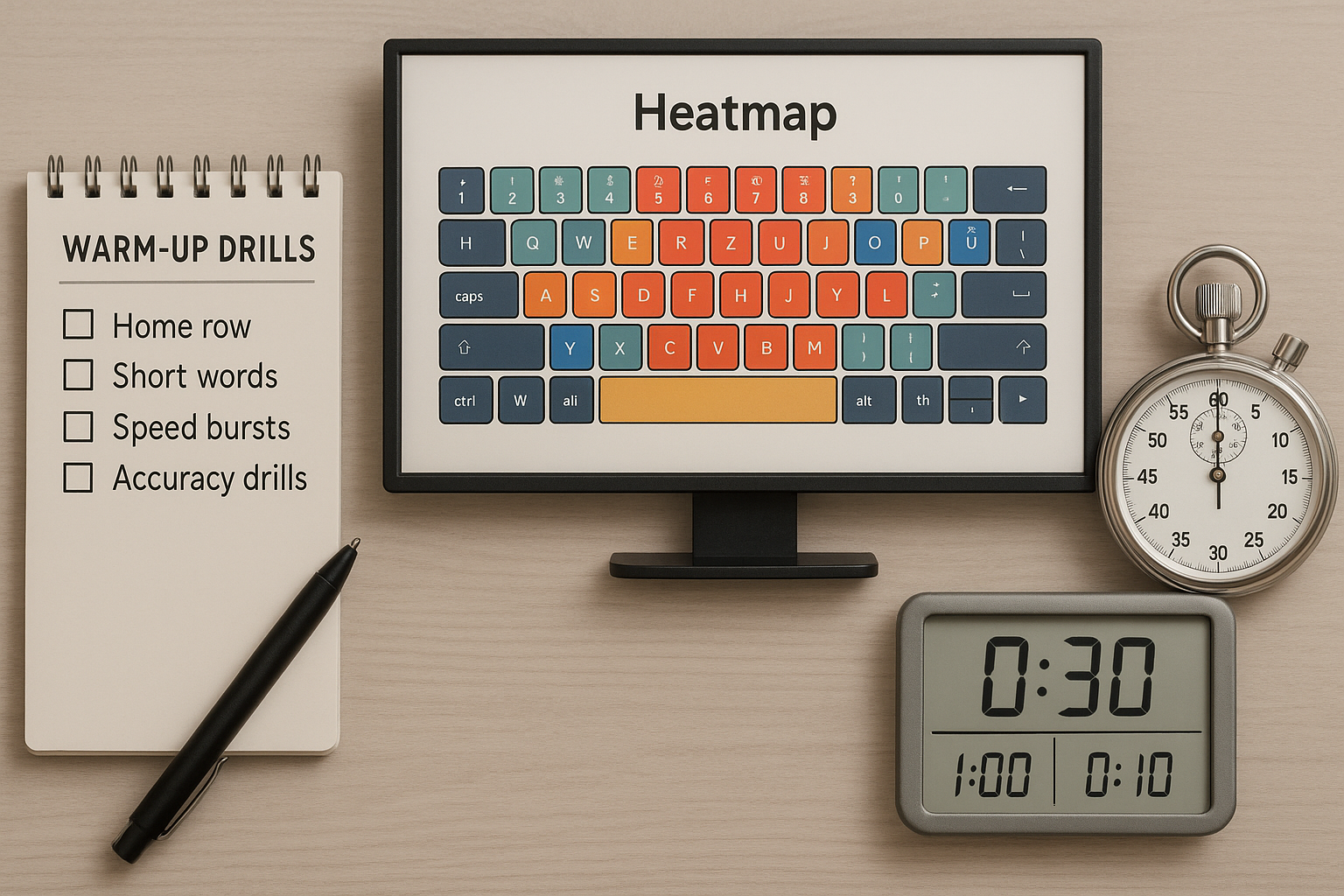
- Minute 0 to 2: low pressure rhythm priming
- Minute 2 to 5: controlled pace intervals
- Minute 5 to 8: transition repair on weak patterns
- Minute 8 to 10: preview and punctuation control
After minute 10, start your scored keyboard typing test runs.
# Step 1, rhythm priming for cold fingers (0 to 2 minutes)
Use simple text with common words. Keep pace at about 75 to 80 percent of your normal test speed. Your goal is even spacing between keystrokes, not peak WPM.
Rules:
- No sprint starts.
- No forceful correction bursts.
- Keep shoulders and forearms relaxed.
At this stage, you are warming neuromuscular timing. A smooth first two minutes lowers early correction debt later.
# Step 2, controlled pace intervals (2 to 5 minutes)
Run three rounds of 45 seconds typing plus 15 seconds rest.
Targets:
- Round 1: baseline minus 6 WPM
- Round 2: baseline minus 3 WPM
- Round 3: baseline pace
Do not exceed baseline in warmup. This section builds control at progressively higher tempo and prevents the common pattern where round one is too fast and round two collapses.
Quick checklist for each interval:
- [ ] Accuracy stays above your normal floor.
- [ ] Backspace use remains steady.
- [ ] Rhythm stays even during long words.
If one interval breaks badly, repeat that pace once and continue. Avoid adding random extra reps.
# Step 3, transition repair on weak pairs (5 to 8 minutes)
Most early errors cluster around repeated letter transitions. Build a short drill from your own weak pairs, for example:
- th, he, ing
- io, ou, qu
- punctuation transitions like word comma word
Run this format:
- 60 seconds slow precision on weak pairs
- 60 seconds medium pace in short phrases
- 60 seconds mixed text where those pairs appear naturally
Keep error notes simple. Mark the top two patterns only. If you already track session tags, reuse the same tags each day so trends stay comparable.
# Step 4, preview and punctuation control (8 to 10 minutes)
Use one paragraph with moderate punctuation and variable sentence length. Your goal is to keep eyes one short phrase ahead of hands.
Focus cues:
- Read 4 to 7 characters ahead.
- Reduce pause before commas and periods.
- Keep pace stable after punctuation.
This final step reduces the sharp drop many typists see when they switch from clean word lists to real prose.
# Decision table, how to adapt warmup without breaking data quality
Use this table once every 5 to 7 sessions.
| Session pattern | Likely issue | Warmup adjustment |
|---|---|---|
| First scored run is always worst | insufficient rhythm priming | extend step 1 by 60 seconds |
| Accuracy dips in round 2 of scoring | pace ramp too aggressive | lower step 2 targets by 2 WPM |
| Repeated early bigram mistakes | transition weakness unresolved | add one extra minute to step 3 |
| Stable warmup, volatile scored runs | passage difficulty mismatch | standardize measured text tiers |
| Warmup feels easy but scores flat | adaptation complete | keep warmup fixed, change training block instead |
The key principle is stability. Adjust warmup only when a repeatable pattern appears.
# How to log warmup quality in under 30 seconds
Add three fields to your daily log before scored runs:
- Warmup completion: yes or no
- Readiness score: 1 to 5
- Top error tag in warmup: timing, transition, visual, or control
Then compare these fields with your first two scored runs each week.
If readiness score 4 to 5 sessions consistently show better first run accuracy, your protocol is calibrated. If not, tune one section at a time using the decision table above.
# Weekly structure that keeps warmup useful
A practical weekly plan:
- 4 to 5 measured typing days.
- Same warmup protocol each measured day.
- One lighter day with only warmup plus easy transfer writing.
This approach prevents overfitting your warmup to one passage style. It also protects the quality of your trend data.
For target setting after warmup standardization, align with your words per minute test framework and promote pace in small increments.
# Common warmup mistakes in keyboard typing test routines
# Turning warmup into a second workout
Warmup should prepare measurement, not exhaust you. Keep intensity submaximal. If your hands feel fatigued before scored runs, volume is too high.
# Changing warmup every day
Frequent variation feels engaging, but it destroys comparability. Keep the same core sequence for at least one week before evaluating changes.
# Jumping straight to hard text in minute one
Hard text immediately after idle time increases early error clusters. Move from easy rhythm to controlled complexity instead.
# Ignoring environment variables
Warmup cannot fully compensate for large setup changes. Keep keyboard profile, browser zoom, desk posture, and time window reasonably consistent. If you change hardware settings, separate those sessions from your baseline tracking.
If you tune debounce or firmware behavior, verify settings with sources such as QMK debounce documentation (opens new window) before comparing speed trends.
# How this protocol improves transfer to real writing
Most typing tests reward short burst behavior. Real work rewards stable output over longer blocks. A warmup protocol improves transfer by reducing early volatility, which lets you spend measured sessions on controlled progression instead of recovery from a bad start.
Use one weekly transfer check:
- Write 300 to 400 words from notes.
- Use your normal editing behavior.
- Record elapsed time and major correction pauses.
Compare with your test medians:
- If test quality and transfer quality rise together, keep protocol unchanged.
- If test improves while transfer stalls, increase step 4 complexity slightly.
- If both stall, keep warmup fixed and adjust training drills, not warmup.
This separation keeps your measurement layer stable and makes improvement decisions clearer.
# A practical baseline template you can copy today
Use this compact template for each measured session:
- Warmup 10 minutes using four steps above.
- Scored block: 6 runs of 60 seconds with your normal tier mix.
- Log: readiness score, median WPM, median accuracy, top error tag.
- Weekly review: one warmup adjustment maximum.
This template is short enough for consistent daily use, yet structured enough to produce reliable trend data.
# FAQ
# How long should a keyboard typing test warmup be
Ten minutes works for most people. Beginners can start at 8 minutes. Advanced typists with very stable starts can reduce to 6 to 8 minutes after testing consistency for two weeks.
# Should I warm up before every single typing test run
Warm up once per session, then keep scored runs contiguous. If you take a long break, run a brief 2 minute rhythm reset before continuing.
# What if my warmup WPM is higher than my scored run WPM
That usually indicates pacing control issues in measured runs. Keep warmup constant and lower first scored run target by 2 to 3 WPM for several sessions.
# Can this protocol help with job screening tests
Yes. Screening tests often penalize unstable starts and correction spikes. A stable warmup improves first run control and reduces avoidable errors under time pressure.
A keyboard typing test becomes more useful when your first scored run reflects skill instead of cold start noise. Run a short fixed warmup, keep logging simple, and make small data driven adjustments weekly. That gives you cleaner trends and better real world typing output.