

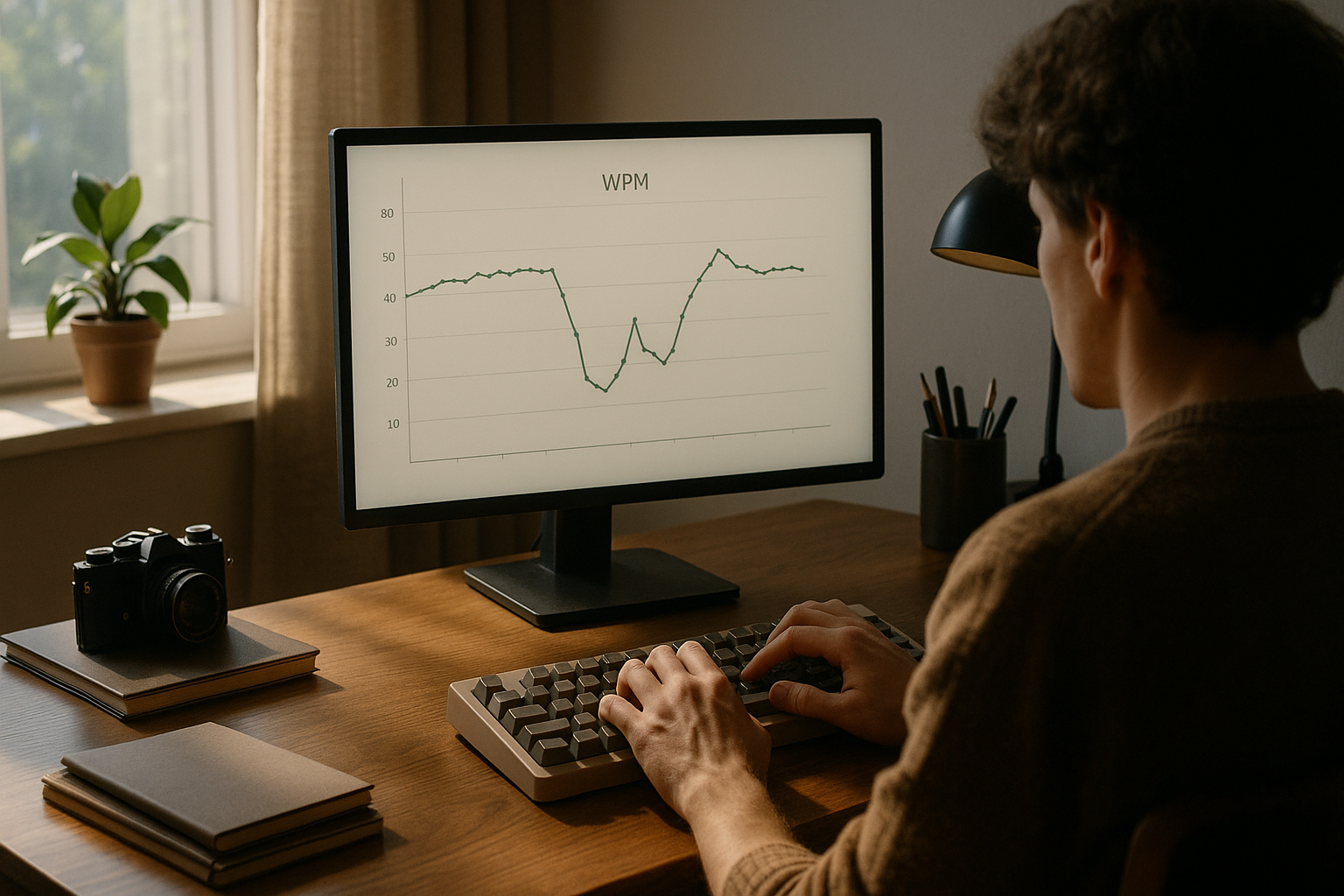
A speed type test plateau usually means one part of your typing system improved faster than another. Raw finger speed may rise while error recovery, visual pacing, or passage control stays flat. The fix is targeted diagnosis. Measure where runs break, match each failure pattern to one training change, and keep your test setup stable for two weeks.
If your first run of the day is unstable, start with this keyboard typing test warmup protocol. If your scores rise but error cost is still high, pair this guide with keyboard speed test accuracy targets. If results swing based on passage style, apply this text difficulty control method.
# Why a speed type test plateau happens
Plateaus are rarely random. They appear when training load, measurement method, and motor adaptation drift out of alignment.
Three forces usually drive the stall:
- Adaptation ceiling for your current drill set: repeated tasks improve quickly, then stop producing novel stimulus.
- Correction debt: you gain gross speed but spend more time repairing mistakes.
- Measurement noise: changing text difficulty, keyboard settings, or session timing masks real gains.
This pattern matches broader findings in skill acquisition. Early improvement is fast, then the slope narrows as the same practice gives smaller returns. See motor learning overviews from NCBI (opens new window) and the challenge point framework from APA PsycNet abstracts (opens new window). For keyboard input and latency context, refer to Microsoft keyboard input docs (opens new window) and Rtings keyboard latency methods (opens new window).
The practical point is direct. A plateau is data. It tells you where the bottleneck sits.
# The fastest way to identify your real bottleneck
Do not guess from one bad run. Use a short diagnostic block over three sessions.
# Step 1: capture six comparable runs per session
Use one fixed session template:
- 10 minute warmup
- 6 runs at 60 seconds each
- same keyboard profile and browser zoom
- same time window when possible
Track these values for each run:
- WPM
- accuracy percent
- backspace rate or visible correction bursts
- first 15 second pace versus final 15 second pace
# Step 2: classify your plateau pattern
After three sessions, label the dominant pattern.
| Plateau pattern | What you see in run data | Likely bottleneck | Primary fix |
|---|---|---|---|
| Fast start then collapse | high opening pace, sharp drop in last 20 to 30 seconds | pacing control | lower opening target by 3 to 5 WPM for 1 week |
| Stable speed, low accuracy | similar WPM every run, repeated typo clusters | transition precision | focused bigram and trigram drills |
| Good easy text, poor hard text | large gap between simple and mixed passages | visual parsing | mixed difficulty blocks with preview training |
| Session variance too high | daily median swings with no pattern | environment and measurement noise | standardize setup before adding drills |
| Flat WPM and flat error rate | no movement at all for 10 plus sessions | training monotony | change drill structure and load progression |
Use one label only. Mixed interventions create noisy outcomes.
# A practical speed type test diagnostic checklist
Run this once each week before you modify training.
- [ ] Median WPM from this week versus last week
- [ ] Median accuracy from this week versus last week
- [ ] Run to run spread (max minus min)
- [ ] Error clusters repeated across sessions
- [ ] Passage tier mix stayed constant
- [ ] Keyboard settings stayed constant
- [ ] Warmup completed before scored runs
If four or more items fail, fix measurement quality first. Training changes are hard to evaluate when data quality is weak.
# The 14 day anti plateau protocol
This protocol fits people already practicing 20 to 40 minutes on most days.
# Days 1 to 3: baseline and diagnosis
Keep workload moderate.
- warmup 10 minutes
- scored block 6 x 60 seconds
- targeted drill 8 minutes on your single bottleneck
- easy transfer writing 5 minutes
Goal: collect clean baseline data and confirm the plateau label.
# Days 4 to 9: focused progression
Increase challenge in one dimension only.
Examples:
- pacing bottleneck: keep text constant, reduce overspeed starts
- transition bottleneck: add dense sequences around weak bigrams
- visual bottleneck: increase mixed punctuation passages gradually
Progression rule:
- when two consecutive sessions keep accuracy above target and median WPM stable, raise challenge by one small step
Small step means one of these:
- plus 2 WPM target pace
- plus 10 seconds per run
- one higher text difficulty tier in 2 of 6 runs
# Days 10 to 12: consolidation
Hold intensity steady. Do not chase new peak scores.
- maintain same block structure
- compare first run with median run
- verify correction cost is stable or improving
Consolidation is where transfer gains usually appear. If this phase is skipped, short spikes often vanish by the next week.
# Days 13 to 14: transfer and retest
Use one transfer check and one benchmark check.
Transfer check:
- write 350 to 500 words from notes
- allow normal editing
- measure elapsed time and correction pauses
Benchmark check:
- repeat your original baseline block
- compare medians, not best run
If benchmark median rises and transfer time improves, your bottleneck fix worked.
# How to keep speed gains from breaking accuracy
Many typists increase pace first, then spend weeks cleaning up errors. Reverse that sequence. Protect an accuracy floor while lifting pace.
A practical rule set:
- choose an accuracy floor you can sustain, for example 96 to 98 percent
- if two runs drop below the floor in one session, reduce next run target pace
- if all runs clear the floor for two sessions, raise pace slightly
This keeps correction debt under control. It also aligns with the way typing output is consumed in real work, where revision time matters as much as raw burst speed.
For target calibration, the framework in words per minute test measurement pairs well with this rule.
# Speed type test setup variables that quietly cause plateaus
You can train perfectly and still look stalled if your setup changes too often.
Key variables to lock:
- Keyboard firmware settings such as debounce and polling.
- Key repeat behavior and OS input settings.
- Text source and difficulty mix.
- Session timing relative to fatigue and caffeine.
For debounce references, use QMK debounce documentation (opens new window). For polling context, this keyboard polling rate guide explains how to evaluate changes without inventing gains.
A simple control policy works:
- one hardware variable change per week maximum
- mark every changed session in your log
- exclude changed sessions from baseline trend line
# What to do when the plateau is mental, not mechanical
Sometimes the bottleneck is attentional drift. The hands can move faster, but focus quality drops after the first minute.
Signs:
- errors cluster around line transitions and punctuation
- pace loss starts after 30 to 40 seconds, even on easy passages
- similar pattern appears across different keyboards
Fixes:
- shorten run length for one week and increase run count
- add a visual preview cue: keep eyes 4 to 7 characters ahead
- insert a 20 second reset breath between runs
This is similar to interval training logic. You improve control under manageable load, then extend duration once quality stabilizes.
# Example weekly template you can copy
Use this schedule when your plateau label is already clear.
# Monday and Tuesday
- warmup
- 6 scored runs
- 10 minute bottleneck drill
- short transfer writing
# Wednesday
- warmup
- 4 scored runs only
- light technique review
# Thursday and Friday
- same as Monday and Tuesday
- include one harder passage tier in 2 runs
# Saturday
- benchmark block
- weekly review notes
# Sunday
- optional recovery day or no test
The point is consistency. You need enough volume for adaptation and enough structure for clean interpretation.
# FAQ
# How long should I stay with one anti plateau plan
Run a full 14 day cycle before judging outcomes, unless accuracy collapses severely. Shorter windows produce false negatives.
# Should I chase personal best runs during a plateau
Use personal best runs as occasional signals, not the main metric. Evaluate median performance and transfer writing speed.
# What if my speed type test improves but real writing feels the same
Increase transfer checks. Add one longer writing block each week and compare correction pauses. Keep test structure stable while transfer volume rises.
# Can keyboard hardware alone break a plateau
Hardware can help comfort and consistency, but most plateaus come from pacing, error control, and measurement quality. Treat hardware as one variable, then test it with controlled sessions.
A speed type test plateau is a solvable systems problem. Label the pattern from run data, apply one intervention at a time, and keep measurement conditions stable. That process turns flat curves into reliable progress you can feel in real writing.