

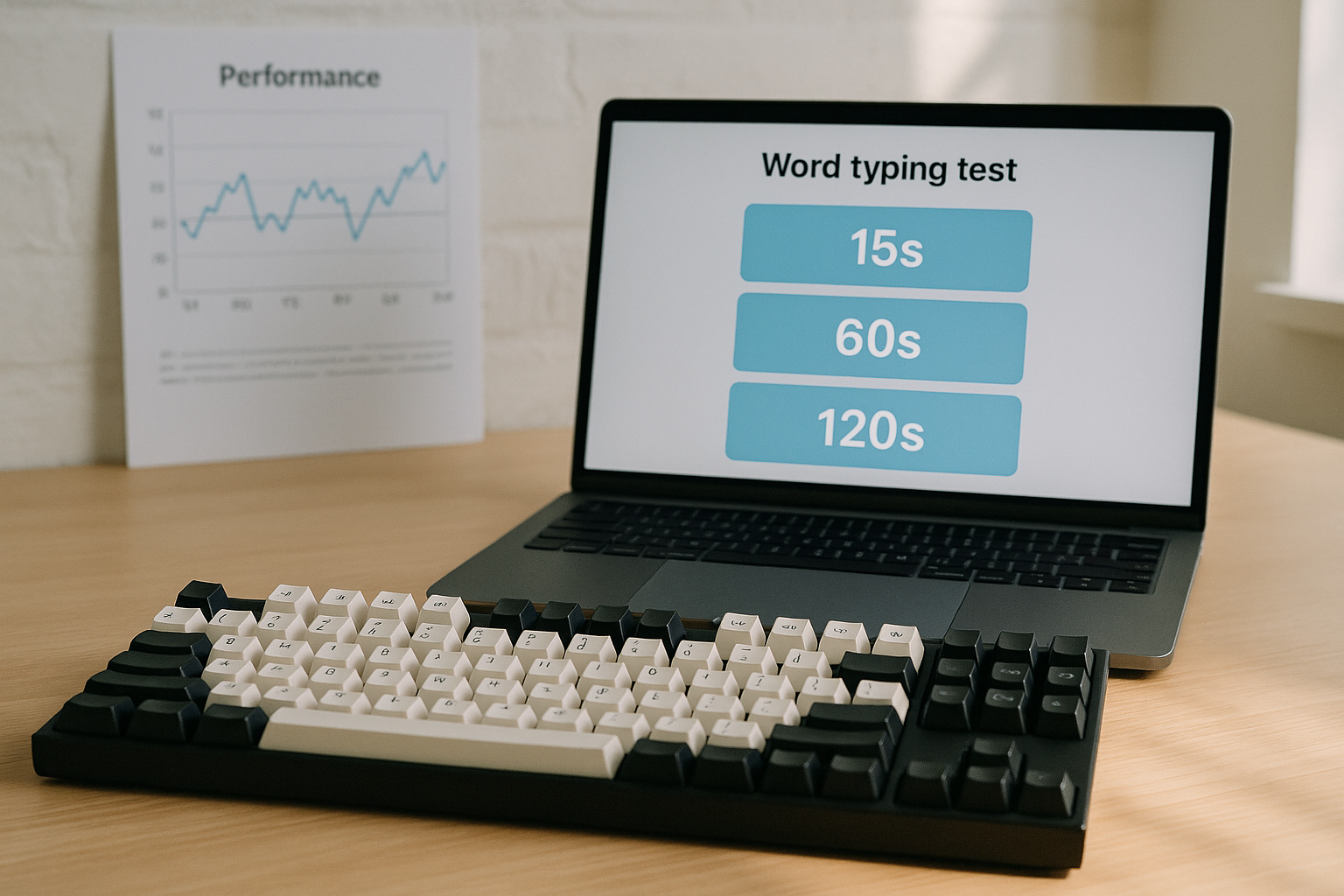
A word typing test should match the decision you want to make. Use 15 second runs for burst speed signals, 60 second runs for balanced speed and accuracy tracking, and 120 second runs for endurance and real writing transfer. If you mix lengths without a plan, your WPM trend will look random even when your typing is improving.
If your scores have flattened lately, pair this guide with Speed Type Test Plateau: How to Diagnose and Fix Stalled WPM. If first runs are always unstable, run the Keyboard Typing Test Warmup Protocol before scored attempts. For target setting, reuse the framework in Keyboard Speed Test Accuracy Targets.
# Why passage length changes your word typing test result
Passage length changes what your test actually measures.
- Short runs overvalue acceleration.
- Medium runs capture pacing plus correction behavior.
- Long runs expose fatigue, attention drift, and error recovery cost.
Most people compare these run types as if they are equivalent. They are not equivalent metrics. A 15 second personal best and a 120 second median score answer different questions.
You can see similar measurement effects in human performance literature. Short windows are more sensitive to peak output, while longer windows better reflect sustained capacity and control. For background on speed and accuracy tradeoffs in motor tasks, review Fitts's law summaries at Britannica (opens new window) and NIST guidance on human performance measurement principles (opens new window). For keyboard input timing context, Microsoft keyboard input documentation (opens new window) is still useful.
The practical conclusion is simple. Pick one length as your primary benchmark, then use the others as supporting diagnostics.
# 15s vs 60s vs 120s; a decision table
Use this table to select your default test length.
| Passage length | Best use case | Main advantage | Main risk | Recommended cadence |
|---|---|---|---|---|
| 15 seconds | Skill drills, quick readiness check | High sensitivity to burst speed changes | Inflated WPM from short acceleration window | 3 to 6 runs as a warmup metric |
| 60 seconds | Daily benchmark for most typists | Balance of speed, accuracy, and pacing | Can hide endurance drop after first minute | 4 to 8 scored runs |
| 120 seconds | Transfer to real writing and fatigue control | Reveals stability and correction debt | Mentally harder; fewer clean attempts | 2 to 4 runs, 2 to 3 times per week |
If you only track one number every day, track 60 second median WPM plus median accuracy. Add 120 second checks on selected days.
# What each test length tells you in practice
# 15 second runs; acceleration signal
A 15 second word typing test measures launch quality.
It is useful for:
- confirming warmup readiness,
- checking whether a keyboard setting change affects immediate response,
- testing micro drills for weak letter transitions.
It is weak for:
- estimating sustained output,
- estimating true correction cost,
- comparing performance across days with different focus levels.
A common mistake is using 15 second best run as progress proof. Best run values are noisy. Median of several runs is the stable signal.
# 60 second runs; balanced benchmark
A 60 second word typing test is the most practical default for daily tracking.
Why it works:
- It is long enough for pacing errors to appear.
- It is short enough to repeat multiple times without severe fatigue.
- It gives enough characters to make accuracy percentage meaningful.
If your goal is measurable improvement over 2 to 6 weeks, this is the core format.
# 120 second runs; transfer and control
A 120 second word typing test measures consistency under load.
It catches problems that short tests miss:
- late-run pacing collapse,
- accumulating typo clusters,
- hand tension and focus decay.
If your daily work involves writing for long blocks, 120 second testing is the better proxy for usable typing speed.
# Build a clean testing protocol before changing training
Bad measurement creates fake plateaus and fake breakthroughs. Lock the protocol first.
Use this weekly checklist.
- [ ] Same keyboard and profile settings
- [ ] Same browser zoom and layout
- [ ] Same run order each session
- [ ] Similar session time of day
- [ ] Warmup completed before scored runs
- [ ] Passage difficulty mix logged
- [ ] Median values tracked, not only personal bests
If this checklist fails in several items, fix protocol quality first. Training changes are hard to interpret with unstable measurement.
# A practical weekly structure for passage length calibration
The schedule below balances data quality and workload.
# Monday to Friday core block
- Warmup; 8 to 10 minutes.
- 15 second runs; 3 attempts, track median.
- 60 second runs; 5 attempts, track median WPM and median accuracy.
- Targeted drill; 8 minutes on your dominant error pattern.
# Tuesday and Thursday extension
Add 120 second runs after the 60 second block.
- 120 second runs; 2 attempts.
- Record split pace for first minute and second minute.
# Saturday review
- One short session, reduced volume.
- Compare current week medians to previous week medians.
- Keep one note about what changed and why.
# Sunday
- Recovery or optional low volume practice.
This structure gives short, medium, and long signals while controlling fatigue.
# How to score results so your word typing test trend stays honest
Use medians and deltas. Avoid single best run reporting.
Track these fields per run:
- length (15, 60, 120),
- WPM,
- accuracy percent,
- visible correction spikes,
- run notes (focus, setup changes, text difficulty).
Then compute three weekly metrics:
- 60 second median WPM; primary progress metric.
- 60 second median accuracy; quality guardrail.
- 120 second drop-off; minute one WPM minus minute two WPM.
Interpretation example:
- 60 second median rises, accuracy stable, drop-off shrinking; strong transfer signal.
- 60 second median rises, accuracy drops, drop-off widening; unstable gain with correction debt.
- 15 second median rises only; likely burst gain without durable improvement.
This approach aligns with the logic in Words Per Minute Test: How to Measure Real Typing Speed That Transfers to Work.
# Common passage length mistakes and direct fixes
# Mistake 1; using random lengths every day
Random length switching makes trend lines hard to compare.
Fix: choose one primary format for 14 days, then reassess.
# Mistake 2; benchmarking only when you feel fast
Self selected sessions bias results upward.
Fix: keep a fixed weekly schedule and include average energy days.
# Mistake 3; changing hardware and run length at the same time
Two variable changes hide causality.
Fix: one variable change per week maximum. If you modify keyboard debounce or polling settings, hold passage length constant. QMK references for debounce behavior are documented at QMK debounce docs (opens new window).
# Mistake 4; chasing 15 second highs with no endurance checks
This creates impressive screenshots and weak transfer.
Fix: pair short runs with 120 second validation twice per week.
# When to adjust your default passage length
Start with 60 seconds. Move away from it only when your goal demands it.
Use 15 seconds as default when:
- your priority is short burst competition,
- you are testing micro technique changes,
- you need fast readiness checks before a larger block.
Use 120 seconds as default when:
- your work requires long uninterrupted typing,
- you are fixing late-run collapse,
- your 60 second gains fail to transfer to real writing.
For most learners, the best setup is mixed use.
- Primary benchmark; 60 seconds.
- Secondary diagnostic; 15 seconds.
- Transfer check; 120 seconds.
# Example dataset and what it means
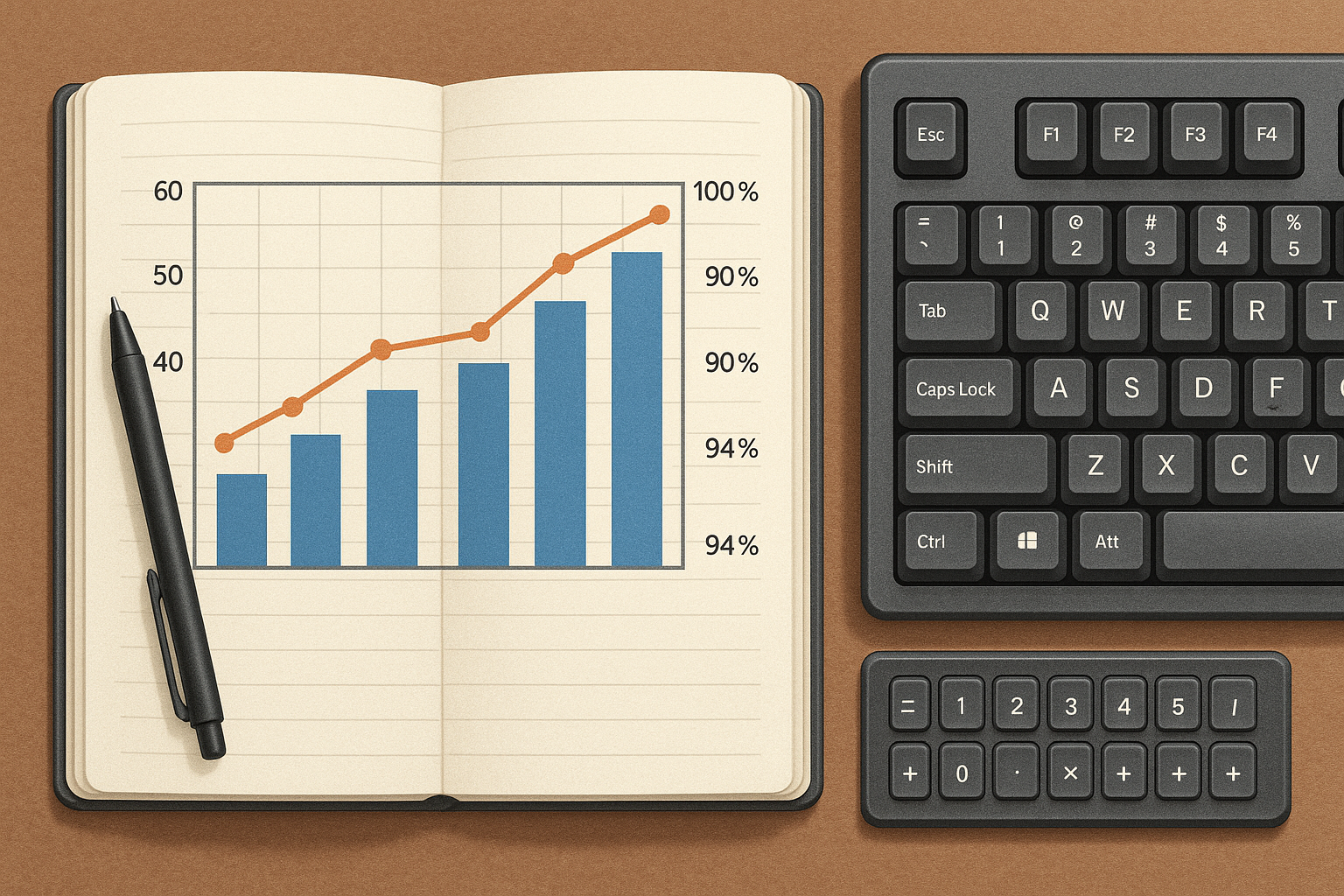
Below is a simplified six session pattern.
| Week | 15s median WPM | 60s median WPM | 60s median accuracy | 120s minute1/minute2 | Read |
|---|---|---|---|---|---|
| 1 | 103 | 86 | 96.8% | 84 / 78 | Baseline |
| 2 | 106 | 88 | 96.9% | 85 / 80 | Stable gain |
| 3 | 111 | 88 | 95.9% | 86 / 77 | Burst gain, control loss |
| 4 | 109 | 90 | 96.6% | 88 / 83 | Recovered control |
What changed between week 3 and week 4 in this pattern:
- opening pace target reduced slightly,
- correction threshold enforced,
- one extra 120 second run added on Thursday.
The result is slower short-run excitement and stronger sustained output. For real productivity, week 4 is better.
# How this maps to TypeTest use
If you use TypeTest daily, set one stable benchmark routine.
Suggested setup:
- Warm up with a short protocol.
- Run your 60 second core set.
- Record medians in one sheet.
- Run 120 second transfer checks on two days.
- Review weekly, then change only one training variable.
This keeps your word typing test scores comparable and actionable.
If your current bottleneck is run to run instability, read Typing Speed Test by Text Difficulty: Measure Real WPM Without Inflated Scores. If setup changes are causing drift, review Keyboard Polling Rate for Typing Speed: Does 1000Hz Help? before changing firmware or software settings.
# FAQ
# Is 15 seconds too short for a word typing test
It is short for benchmarking durable improvement. It is useful for burst diagnostics and readiness checks.
# Is 120 seconds always better for real typing
It is better for endurance and transfer checks. It is heavier to run daily, so most people should use it two or three times per week.
# Can I compare my 15 second WPM to my 60 second WPM
You can compare trend direction. You should not treat the absolute values as equivalent performance levels.
# How many runs should I do per session
A practical target is 3 short runs and 5 medium runs. Add 2 long runs on selected days if recovery is good.
A word typing test gives reliable progress data when passage length matches the decision you need. Use 60 seconds for daily benchmark stability, 15 seconds for acceleration diagnostics, and 120 seconds for transfer quality. Keep your protocol fixed, track medians, and change one variable at a time so improvements stay real.