

A fast typing test is most useful when you treat it as a measurement system, not a single high score attempt. Run short benchmark blocks, diagnose where speed breaks down, and train one bottleneck at a time. Most typists can use this approach to improve practical WPM while keeping accuracy stable enough for real writing tasks.
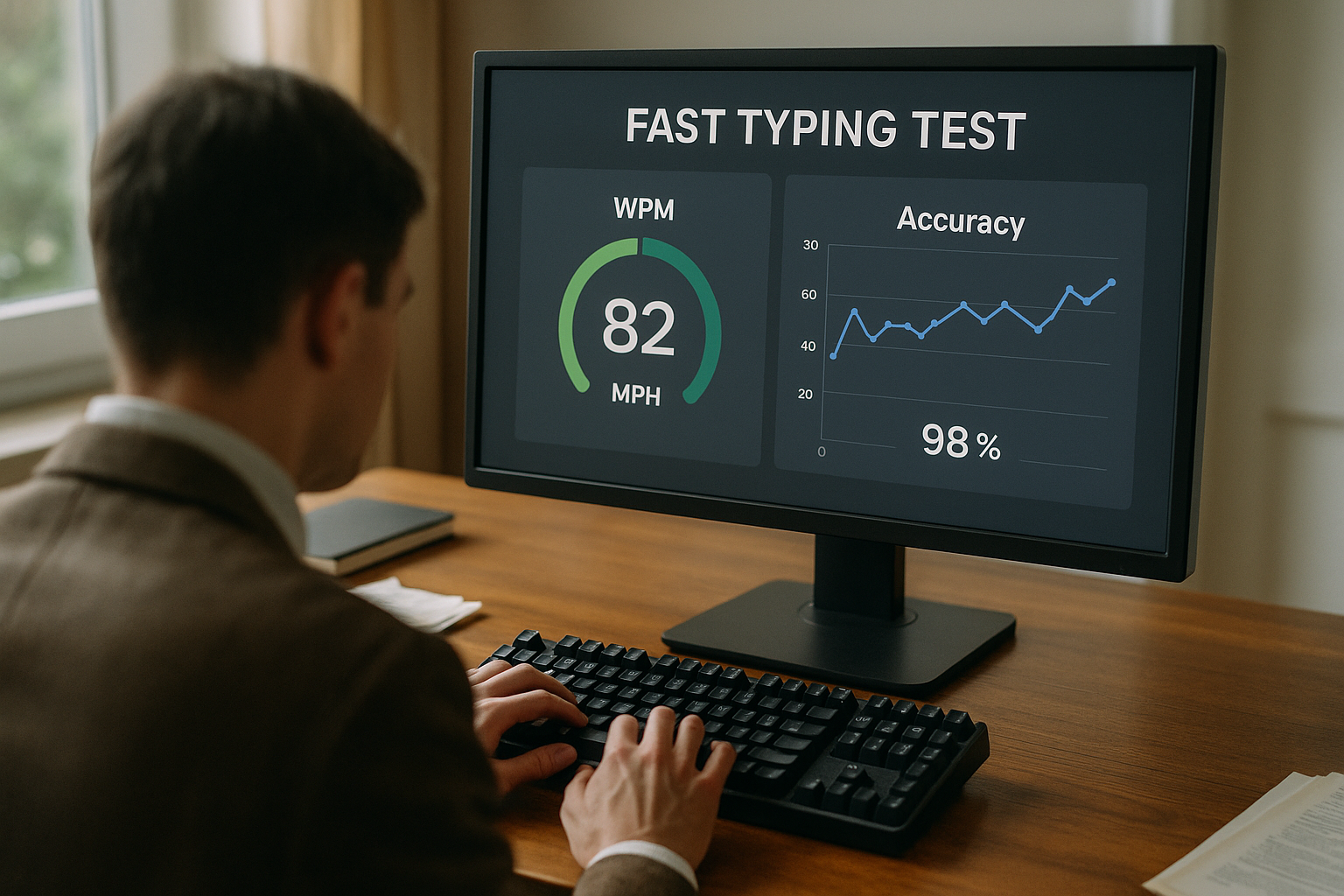
If your scores vary heavily between sessions, start with this keyboard typing test warmup protocol. If your progress has stalled for more than a week, pair this guide with speed type test plateau diagnosis. If you need to choose run lengths before you benchmark, review word typing test passage length rules.
# What a fast typing test actually measures
A fast typing test is often interpreted as raw finger speed. In practice, the score combines several components:
- Keystroke pace.
- Error frequency.
- Error recovery cost.
- Visual parsing speed.
- Run pacing strategy.
That is why two people with similar best-run WPM can have very different real output in daily writing. One typist may produce clean text at stable speed. Another may peak quickly and lose time to corrections.
This is consistent with broader human performance principles, where speed and precision interact across task duration. For context on movement and speed-accuracy tradeoffs, see Fitts's law overview (opens new window) and motor learning summaries from NCBI (opens new window). For keyboard input behavior at the system level, Microsoft keyboard input docs (opens new window) remain useful.
The key point is direct. A fast typing test can predict real productivity only if your method controls noise.
# The biggest mistake people make with fast typing test practice
Most people chase personal best screenshots. That approach feels motivating in the moment, but it hides trends.
A common session pattern looks like this:
- Run 1: too fast, accuracy drop.
- Run 2: over-correction, lower pace.
- Run 3: slight recovery.
- Best score posted, other runs ignored.
When you track only the best run, you reward volatility. When you track medians, you reward control.
Use this rule for the next 14 days:
- Keep personal best for morale.
- Use session median as your decision metric.
This single change usually improves training decisions within a week.
# Fast typing test decision table; choose your primary benchmark format
Use one primary run format for daily tracking. Use other formats as diagnostics.
| Format | Best use | Strength | Main risk | Suggested weekly volume |
|---|---|---|---|---|
| 15 second runs | acceleration and readiness | catches short-term speed changes quickly | inflates WPM by over-weighting launch phase | 3 to 5 attempts before benchmark |
| 60 second runs | daily benchmark | balanced signal for speed and accuracy | can hide late-run endurance issues | 4 to 8 scored runs |
| 120 second runs | transfer to real writing | exposes pacing collapse and correction debt | harder mentally, lower repeat volume | 2 to 4 runs on 2 days per week |
For most people, the fastest route to measurable improvement is:
- 60 second median as the primary metric.
- 120 second drop-off check twice per week.
- 15 second runs only for readiness and drill validation.
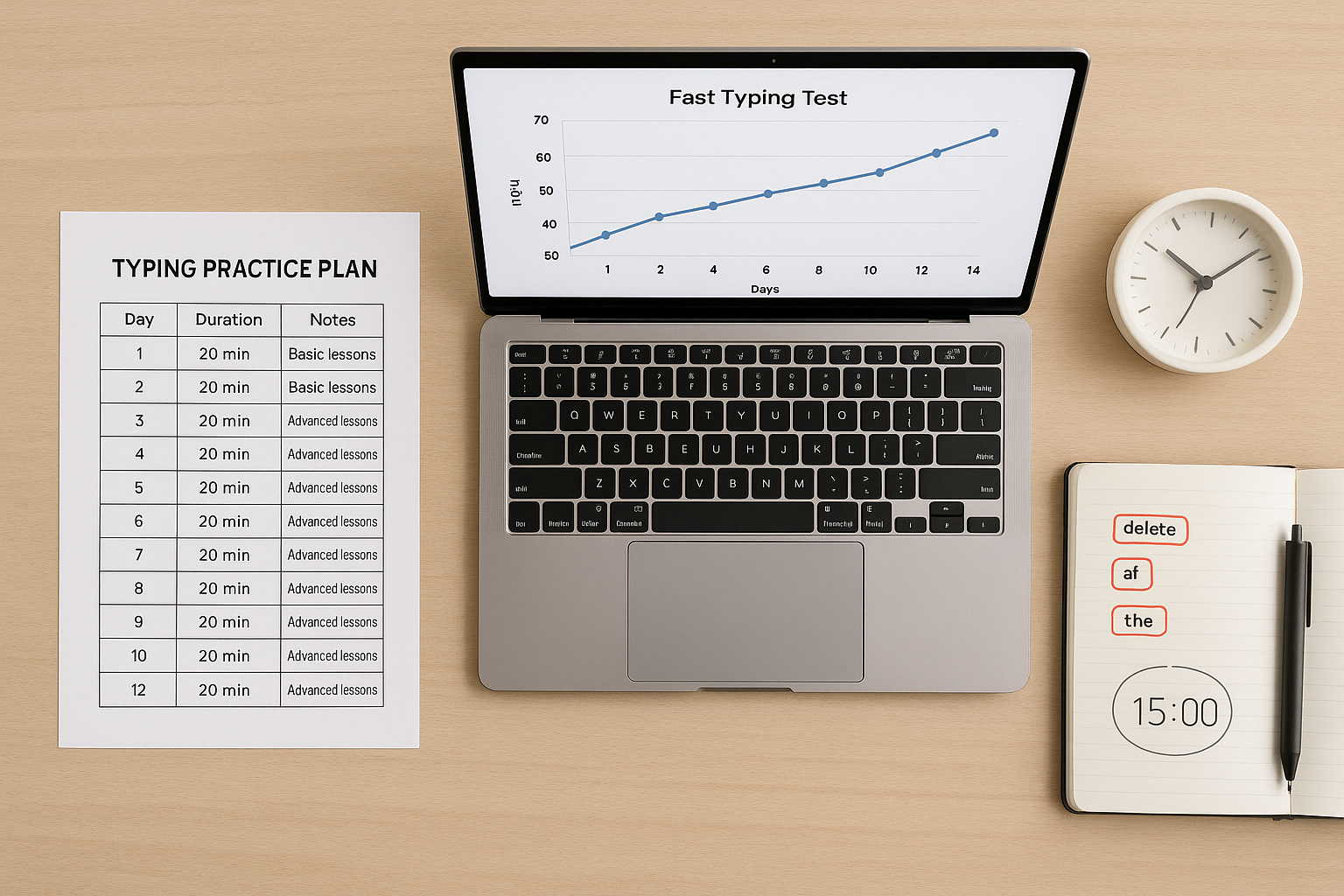
# A practical 20 minute fast typing test system
This session structure is short enough for daily use and structured enough for real trend analysis.
# Minute 0 to 5; warmup and pace calibration
Use easy to medium text. Stay around 75 to 90 percent of your usual benchmark pace.
Focus on:
- smooth rhythm,
- low tension in hands and shoulders,
- clean transitions in common letter pairs.
If your first scored run is usually weak, apply the full warmup protocol before benchmark attempts.
# Minute 5 to 12; benchmark block
Run five 60 second tests with short rest between runs.
Record per run:
- WPM,
- accuracy,
- visible correction spikes,
- opening pace versus closing pace.
At the end of the block, compute:
- median WPM,
- median accuracy,
- max-minus-min run spread.
The spread tells you if performance is stable enough to trust the median.
# Minute 12 to 18; bottleneck drill
Pick one bottleneck only:
- pacing control,
- transition precision,
- visual preview,
- punctuation flow.
Drill one bottleneck for six minutes. Keep load specific. Keep notes short.
# Minute 18 to 20; transfer check note
Write 80 to 120 words of normal prose. Observe:
- whether rhythm feels smoother than before,
- whether correction bursts are lower,
- whether pace remains stable after punctuation.
This quick transfer check keeps your fast typing test training connected to real writing.
# How to diagnose your fast typing test bottleneck in three sessions
Do this before changing your keyboard or test settings.
# Pattern A; fast start, late collapse
Signs:
- high first 15 seconds,
- sharp drop near the end of each run,
- accuracy loss in final third.
Fix:
- start 2 to 4 WPM slower for one week,
- prioritize even pacing,
- increase only after two stable sessions.
# Pattern B; stable pace, repeating typo clusters
Signs:
- similar WPM every run,
- repeated errors in the same transitions,
- correction bursts in identical word shapes.
Fix:
- isolate weak bigrams and trigrams,
- run short precision drills,
- re-test with mixed text to validate transfer.
# Pattern C; performance swings by passage type
Signs:
- strong score on easy text,
- large drop on punctuation-heavy or mixed text,
- high inconsistency day to day.
Fix:
- standardize text difficulty tiers,
- use fixed run mix each session,
- benchmark with the same tier ratio for 14 days.
# Pattern D; random variance with no clear trend
Signs:
- large spread between runs,
- no stable median direction,
- inconsistent setup between days.
Fix:
- lock hardware and software settings,
- run sessions at similar times,
- postpone drill changes until variance drops.
If your data still looks flat after those adjustments, use the full plateau workflow.
# Weekly schedule that keeps fast typing test gains real
Use this template for two weeks.
# Monday to Friday
- 5 minute warmup.
- 5 x 60 second benchmark runs.
- 6 minute single-bottleneck drill.
- 2 minute transfer note.
# Tuesday and Thursday extension
Add:
- 2 x 120 second runs after the benchmark block.
- Record minute-one and minute-two pace.
# Saturday
- Reduced volume session.
- Compare weekly medians.
- Pick one change for next week.
# Sunday
- Recovery day or light easy-text session.
This structure keeps load high enough for adaptation and stable enough for clean comparisons.
# Fast typing test setup controls that matter more than people expect
Setup drift can cancel progress signals. Keep these variables fixed during each two-week cycle:
- Keyboard profile and firmware settings.
- Browser zoom and layout.
- Session time window.
- Passage difficulty mix.
- Warmup method.
If you adjust hardware settings such as debounce, make one change at a time and label those sessions. For firmware-level context, the QMK debounce documentation (opens new window) is a useful reference.
You can also compare test conditions with your existing guides on keyboard debounce time for typing speed and keyboard polling rate for typing speed.
# How to set targets that improve usable speed
A fast typing test target should include both pace and quality.
Use a two-metric target:
- median WPM target for the week,
- minimum accuracy floor.
Example progression for an intermediate typist:
- Week 1 target: 68 median WPM at 97 percent accuracy.
- Week 2 target: 70 median WPM at 97 percent accuracy.
- Week 3 target: 71 to 72 median WPM if accuracy stays stable.
If accuracy drops below floor in multiple runs, keep pace target unchanged until quality recovers. This avoids building correction debt that slows real writing.
For role-based expectations, review typing speed for job applications.
# A simple log template for every fast typing test session
Track these fields in one line per session:
- date,
- 60 second median WPM,
- 60 second median accuracy,
- run spread,
- 120 second drop-off (optional),
- top error tag,
- one sentence action for next session.
After 10 to 14 sessions, your trend will show whether gains are stable or noisy. This log format is short, repeatable, and enough for practical decisions.
# FAQ
# What is a good score on a fast typing test
A good score depends on context. For daily productivity, stable median speed with high accuracy is usually more useful than peak burst speed.
# Should I practice with only short fast typing test runs
Short runs are useful for acceleration checks. They should be paired with 60 second benchmarks and periodic longer runs for transfer quality.
# How often should I run a fast typing test
Most people improve with 4 to 6 sessions per week. Consistency matters more than occasional high-volume days.
# Why does my score improve in tests but not in real writing
Test gains can fail to transfer when pacing, punctuation handling, and correction habits are not trained. Add short transfer checks after each benchmark block.
A fast typing test becomes a reliable improvement tool when your routine is structured, your metrics are stable, and your training targets one bottleneck at a time. Use medians, protect accuracy, and validate transfer weekly so score gains turn into faster real work output.